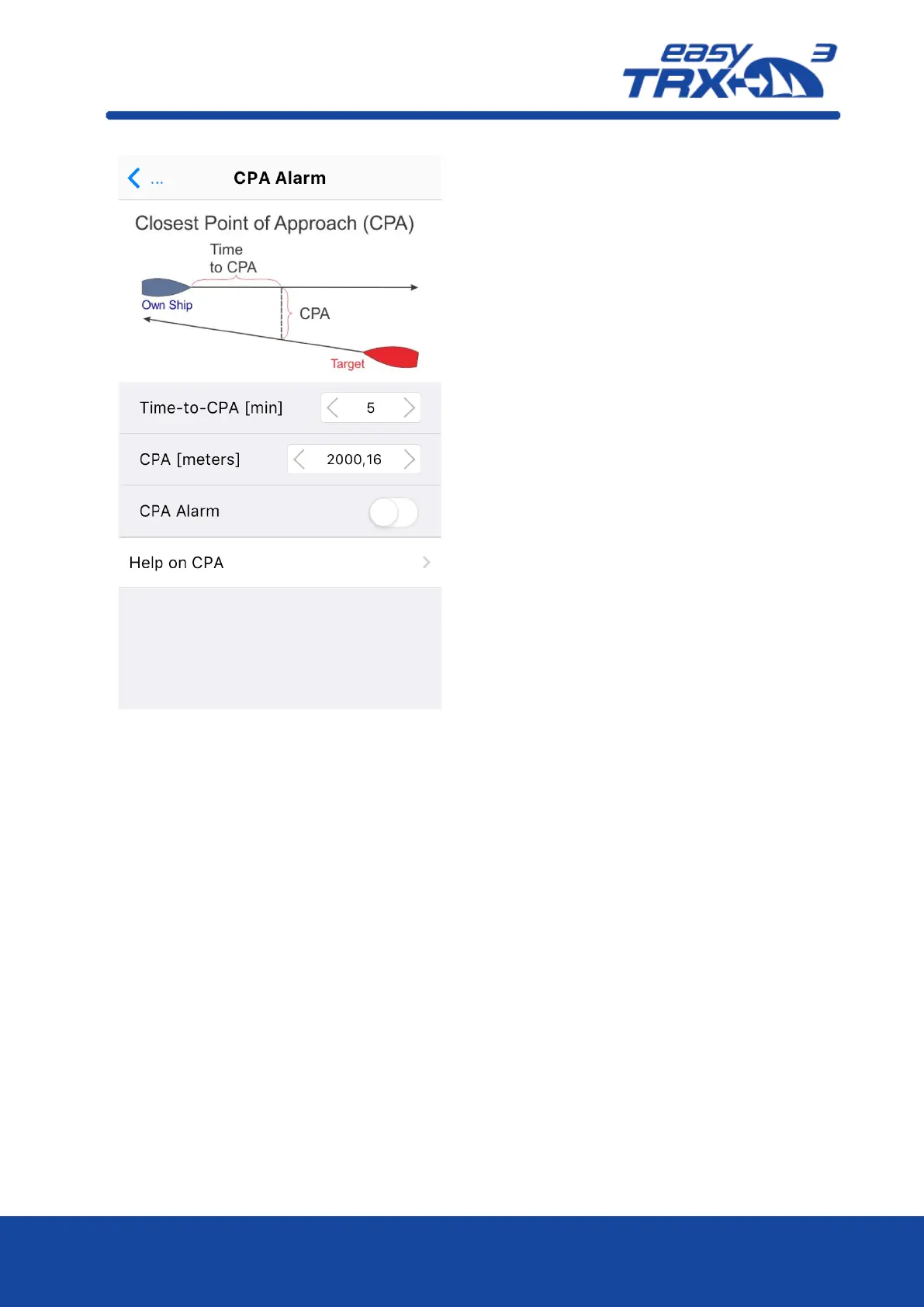
The big advantage of the easyTRX3 is that it
has got an own internal CPA functionality
and the chart plotter doesn’t need to be
switched on. All incoming AIS position reports
will be investigated regarding the CPA
settings done in this programming tool. In
event of receiving a position report within
the self-defined “safety area” which means
potential collision, the Alert LED starts to
glow.
To get the daily use of this functionality as
convenient as possible, please take a look
back to chapter 7.3 “External switches –
connecting possibilities” how to use switches
and external signal generators.
Please keep in mind that a switch, connected
via the 18-pin cable harness (hardware),
always takes priority over software
programming-settings.



 To Next Page