Printer description
18
5661290000/00/06.08
3.1 General functioning
The PrintJet PRO is a printing system for labelling
markers from the Weidmüller product portfolio. Pri-
marily, this includes the various versions from the
MultiCard series.
The data is created on a PC; this can be done con-
veniently with the M-Print
®
PRO labelling software.
The data for the printing system is then prepared
and processed by the printing drivers.
A MultiCard which is fed by the system into the print-
ing unit is printed with a thermally-hardened ink and
then transferred to a fusing unit. In this unit, the ink
is then hardened with a special heat radiator.
Finally, the MultiCard is fed out of the system and
can be removed.
The PrintJet PRO should not be turned off as it
switches to the standby/energy-saving mode when
not in use.
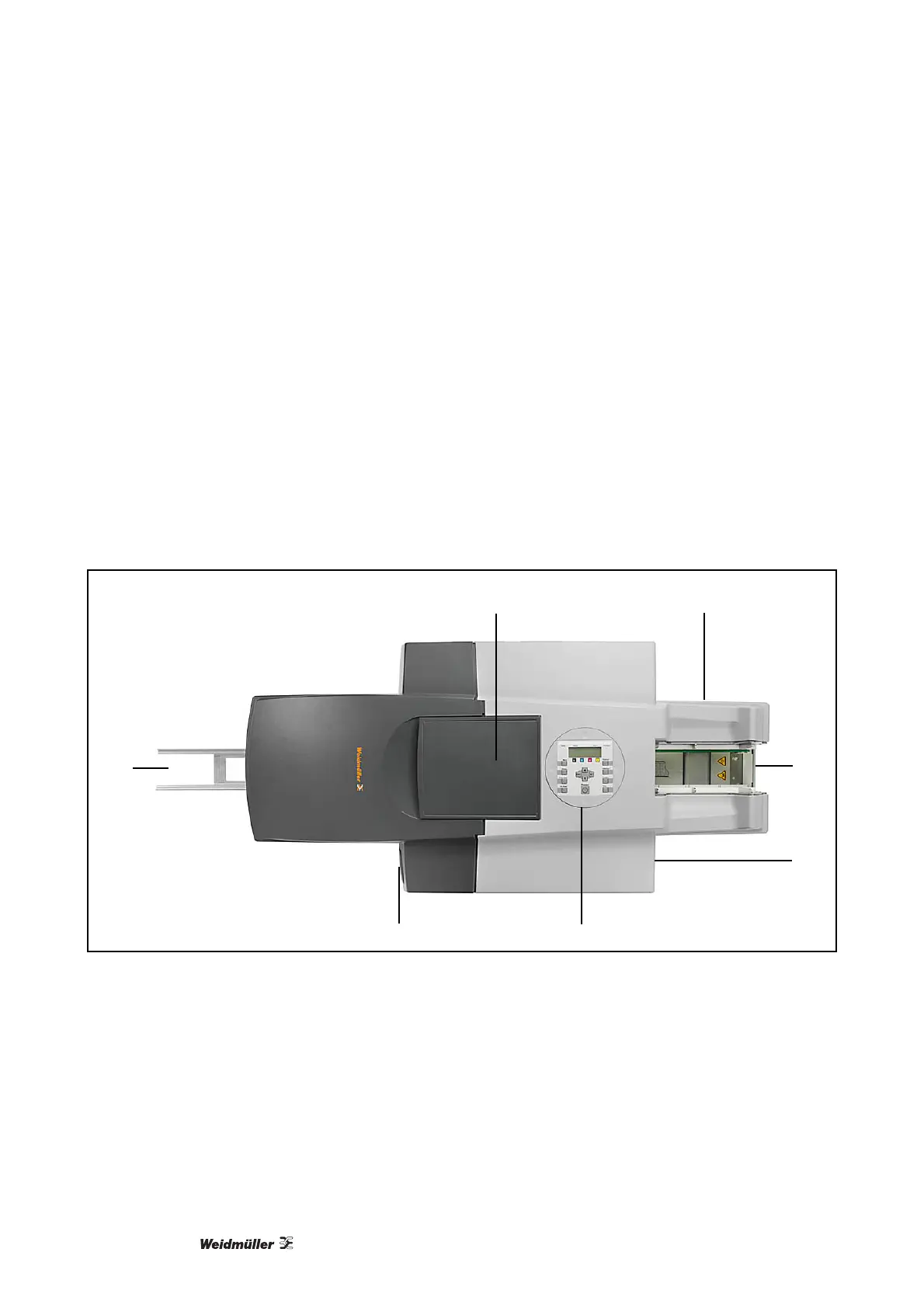
3.2 What is located where?
3.2.1 Printer overview
B C
A
D
E
G F
Figure 3 Printer components
A Output
B Maintenance cover 1 (printing system)
C Connections
D Loader - input
E Maintenance cover 2 (ink waste pad)
F Operating and control panel (display)
G Ink-cartridges cover



 To Next Page