Installing the printer driver
34
5661290000/00/06.08
5.1 General notice before instal-
lation
NOTE
Please note that this printing system is
optimized for Microsoft Windows 2000,
XP and VISTA. For installation and op-
eration, you require a basic knowledge
of Microsoft Windows and administrative
privileges.
If you wish to operate the PrintJet PRO
both in a network and via a direct USB
connection you must first install the net-
work driver. It is not necessary to install
further drivers to use the printer via a
USB connection.
All necessary printer driver settings are made
automatically by the M-Print® PRO software. If
you decide to use another software application,
please contact your Weidmüller representative for
additional information on these printer driver set-
tings.
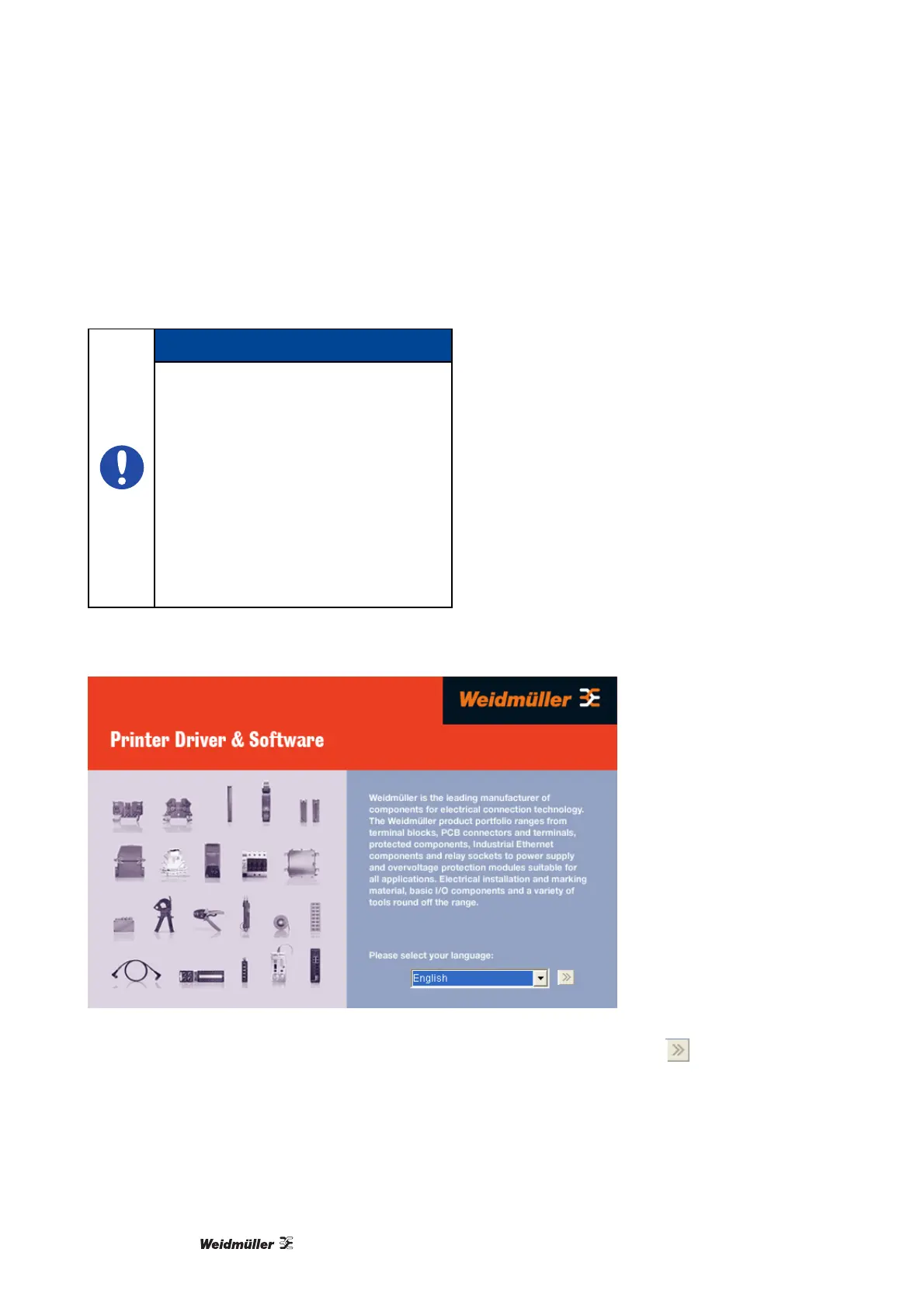
Before you begin with the installation of the software
and the printer driver, insert the "Printer Driver &
Software" CD-ROM (included in delivery) into the
CD-ROM drive of your computer. The CD starts
automatically and shows the language-selection
screen (shown below). If the CD does not start
automatically, start the Setup.exe file found on the
CD.
Figure 23 Language selection – software installation
1 Please select your language and confirm your selection by clicking on the button
.



 To Next Page