The first time printing
5661290000/00/06.08
75
7.4 Heating settings
With some MultiCards it may be necessary to adjust the heating settings in order to optimize the printing
quality. Take the necessary settings from the table if required.
Preliminary recommendation for field test printers:
If Heating 1 causes bubbles on the surface, please change to Heating 2
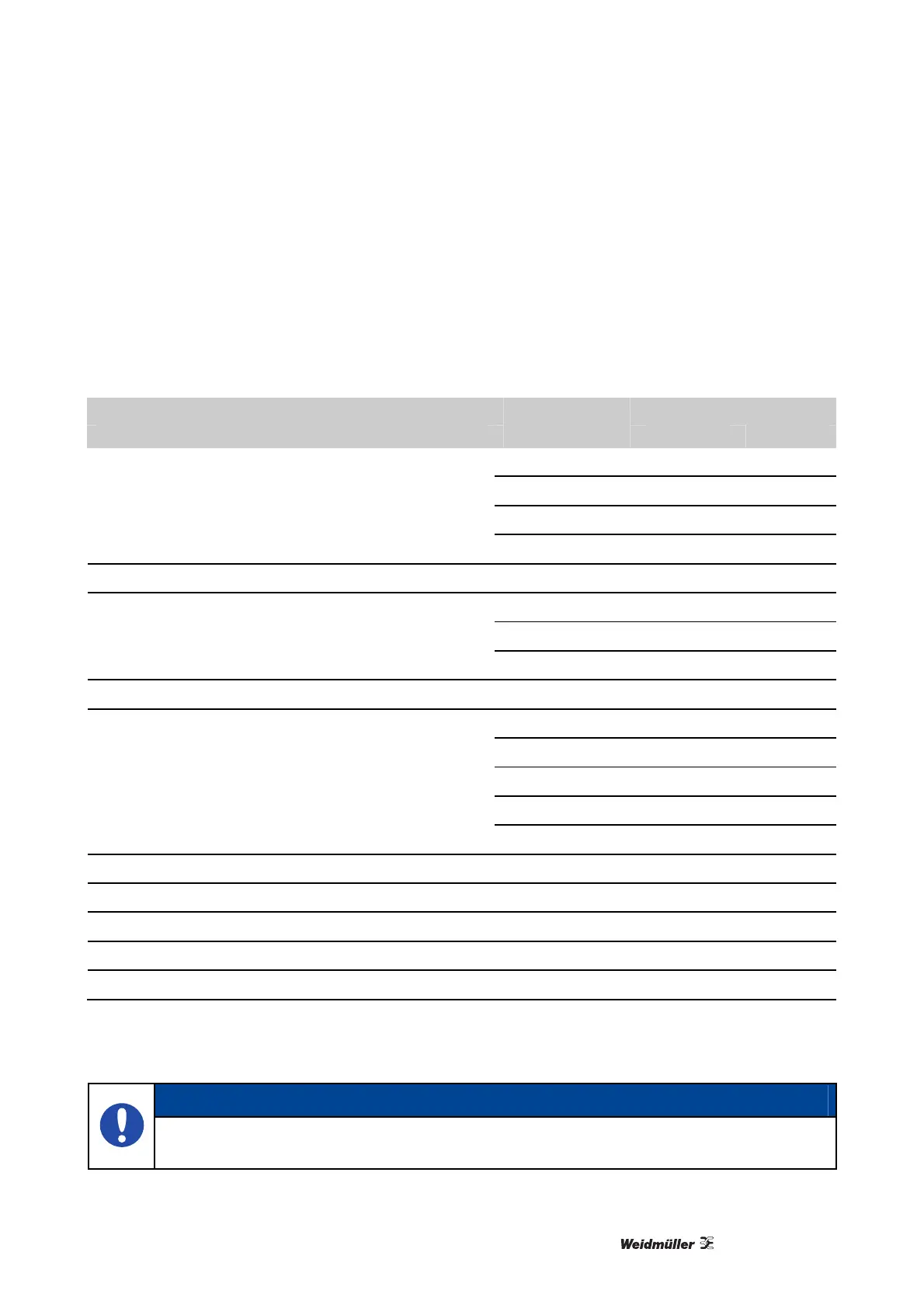
Marker - Type Color Fixing settings
600 dpi 1200 dpi
White H1 H1
Yellow H1 H1
Red H1 H1
Terminal markers: DEK, WS, MF, ZS
Blue H1 H1
Terminal markers: WS Plus, DEK Plus, MF* White H2 H2
White H1 H1
Silver H1 H1
Equipment markers: ESG, SM, CC, DMC
Yellow H1 H1
Equipment markers: ESG Turquoise H2 H2
White H1 H1
Yellow H1 H1
Blue H1 H1
Red H1 H1
Cable markers: V2: SF, SFX, TMI,
Green H1 H1
Cable markers V2: SF Yellow H1 H2
Cable markers V2: SFC all colors H2 H2
Cable markers V0: SFX all colors H2 H2
Cable markers V0: SF1 bis SF 5 all colors H2 H2
Cable markers V0: SF 6 all colors H1 H2
Table 1 Heating settings
*
without project field
NOTE
The required Fixing Settings are depending on markertype, -color, -material and operating time
of the PrintJet PRO. Please check the wipe and scratch resistance in regular intervals.



 To Next Page