Installing the printer driver
5661290000/00/06.08
47
5.3 WIN VISTA
5.3.1 USB port - WIN VISTA
1 Insert the "Printer Driver & Software" CD-ROM (included in delivery) into the CD-ROM drive of your com-
puter. The CD starts automatically and waits for the language to be selected.
If the CD does not start automatically, start the Setup.exe file found on the CD.
2 On the main menu 'Printer Driver & Software' select the option 'Printer drivers', 'PrintJet PRO' and the
Operating System. The Operating System will now issue a message stating that 'an unidentified pro-
gramme wants to access your computer'.
3 Click [Allow].
The installation process will now start.
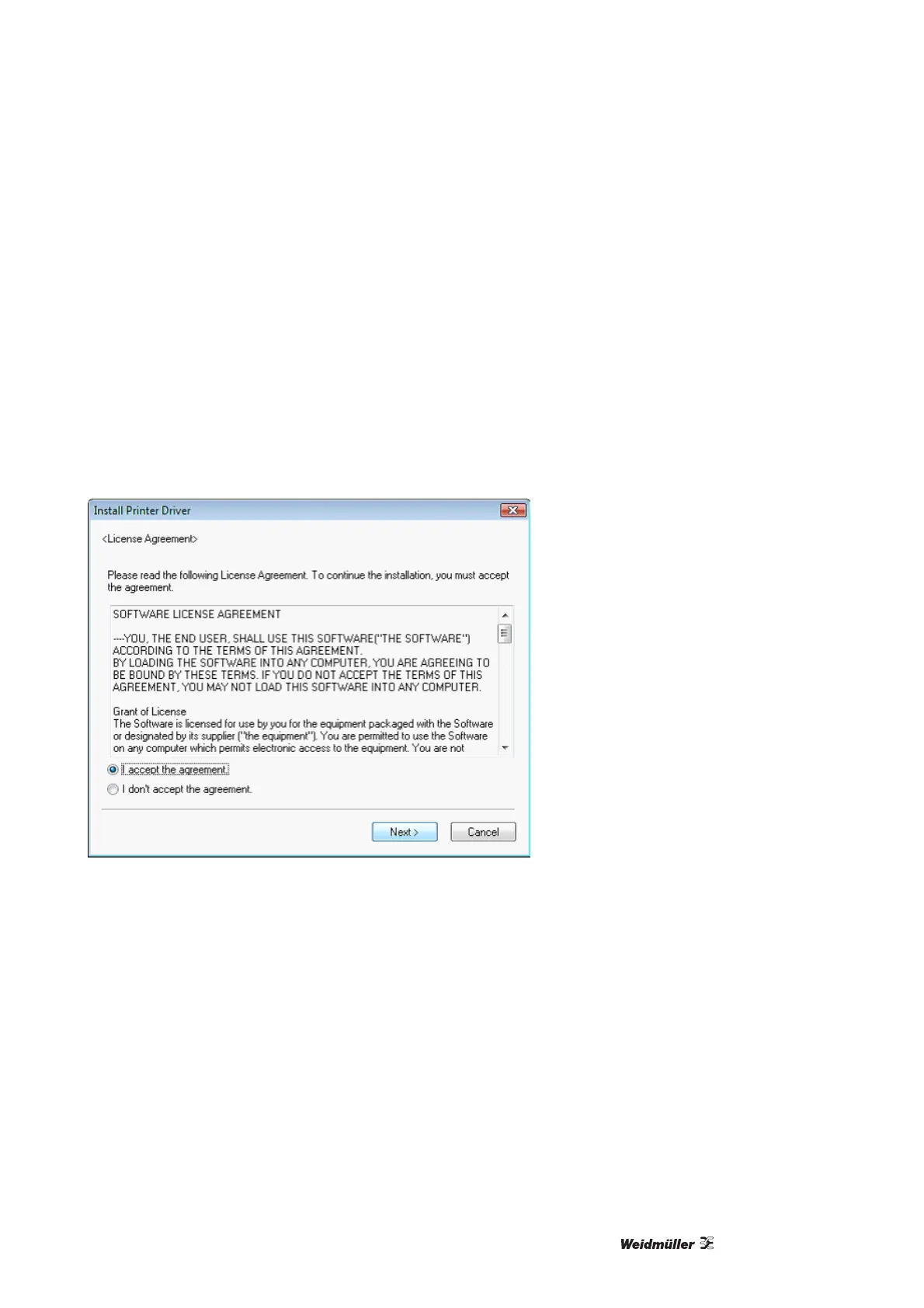
Figure 44 Licence agreement
1 Accept the license agreement and click on [Next].



 To Next Page