Installing the printer driver
46
5661290000/00/06.08
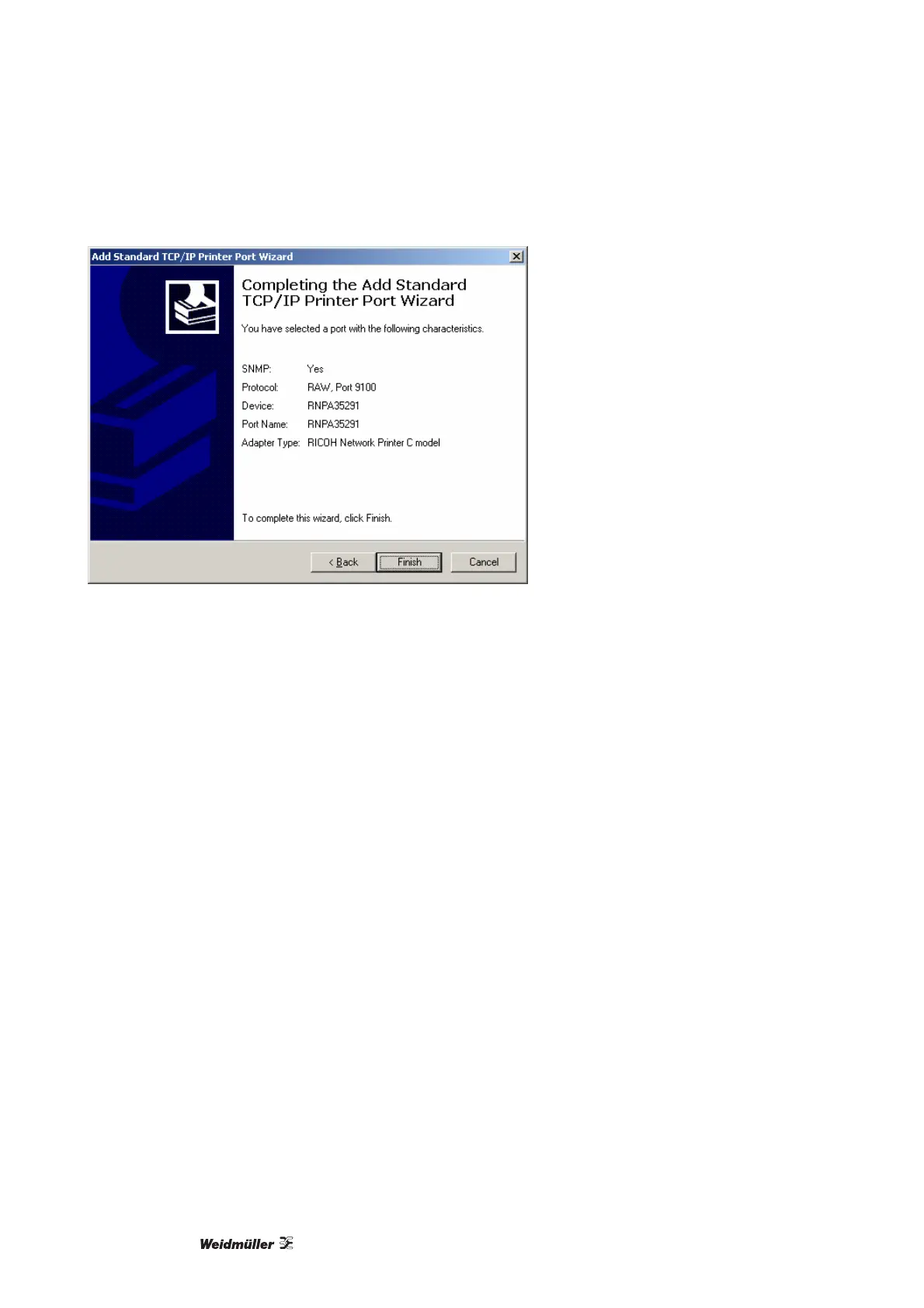
Figure 43 Exiting the Install Wizard
The connection is then added.
13 Verify that a connection to the selected printers exists in [Device].
14 In the dialog box for the finished installation, click on [Finish].
15 Close out the installation by re-starting the computer.



 To Next Page