Important notice
14
5661290000/00/06.08
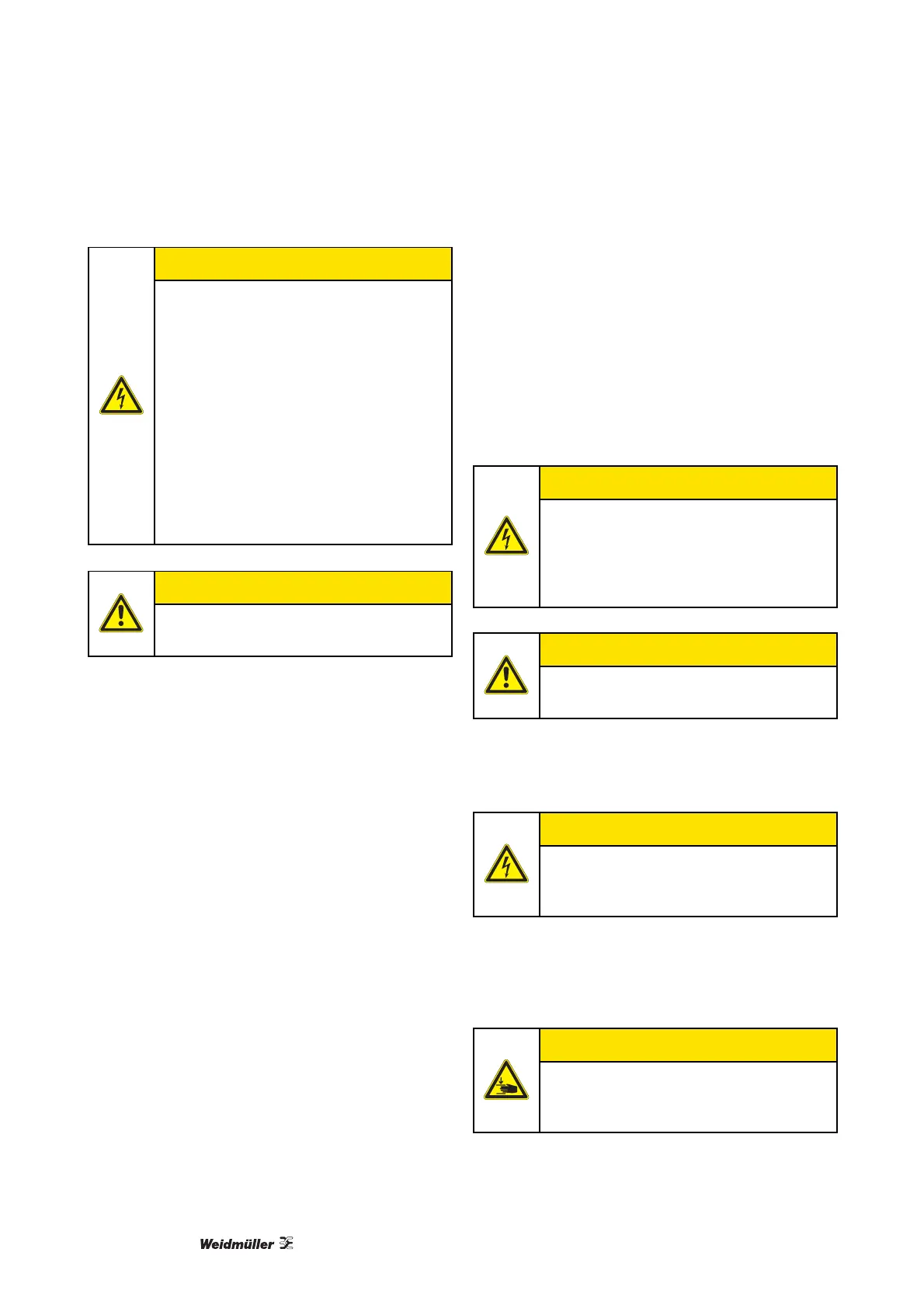
CAUTION!
Never use damaged or worn power ca-
bles.
If you connect the PrintJet PRO to the
power supply via an extension cable,
ensure that the total nominal current of
all of the devices connected to the ex-
tension cable does not exceed the am-
pere rating for that extension cable. In
addition, you should ensure that the total
nominal current of all the devices
plugged into the wall-mounted socket
outlet does not exceed the ampere rat-
ing for that socket outlet.
CAUTION!
Do not carry out repairs to the device
yourself.
Unplug the PrintJet PRO and contact a qualified
service engineer if any of the following occurs:
• The power cord or plug are worn or damaged.
• Fluid has penetrated into the PrintJet PRO.
• The PrintJet PRO is come off or the enclosure is
damaged.
• The PrintJet PRO does not operate normally or the
standard of performance varies noticeably.
2.4 Precautionary measures
Observe the following when using the PrintJet PRO,
handling ink cartridges, or choosing a location to in-
stall the PrintJet PRO:
Working with the PrintJet PRO
• Check the wipe and scratch resistance of the ink
at regular intervals.
CAUTION!
Applicable in Germany: ensure when
connecting the PrintJet PRO to the
power supply that the building installa-
tion is protected by an appropriate back-
up fuse.
CAUTION!
Do not move the print head by hand, as
this could damage the PrintJet PRO.
• After printing, remove your printouts immediately
from the output rail of the PrintJet PRO.
CAUTION!
Always use the mains power switch on
the operating panel to turn the PrintJet
PRO on and off.
• Before transporting the PrintJet PRO, ensure that
it is switched off, and that the ink cartridges are
seated correctly.
CAUTION!
Do not operate the PrintJet PRO without
a cover. Never reach into the printer
openings while the printer is operating.



 To Next Page