The M-Print® PRO Software
60
5661290000/00/06.08
6.1 Installing the M-Print
®
PRO software
Please note that this printing system is optimized for Microsoft Windows 2000, XP and VISTA. For installa-
tion and operation, you require a basic knowledge of Microsoft Windows.
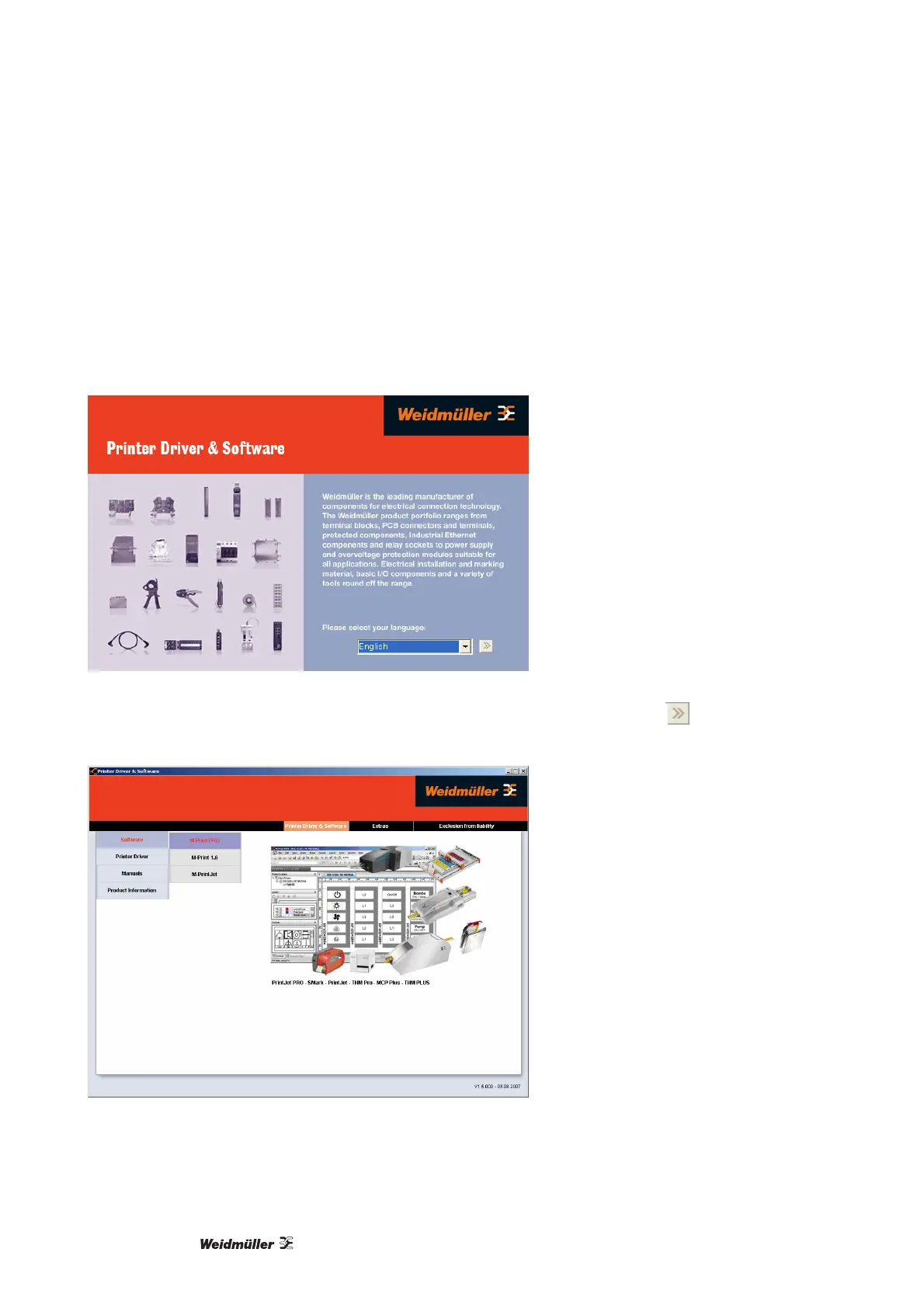
Before you begin with the installation of the software and the printer driver, insert the "Printer Driver & Soft-
ware" CD-ROM (included in delivery) into the CD-ROM drive of your computer. The CD starts automatically
and shows the following language selection.
Figure 64 Language selection – software installation
1 Please select your language and confirm your selection by clicking on the button
.
The following window is displayed.
Figure 65 Selecting M-Print PRO
2 From the main menu of the "Printer Driver & Software" program, click on "Software" and then select the
"M-Print PRO" menu choice.



 To Next Page