The M-Print® PRO Software
5661290000/00/06.08
61
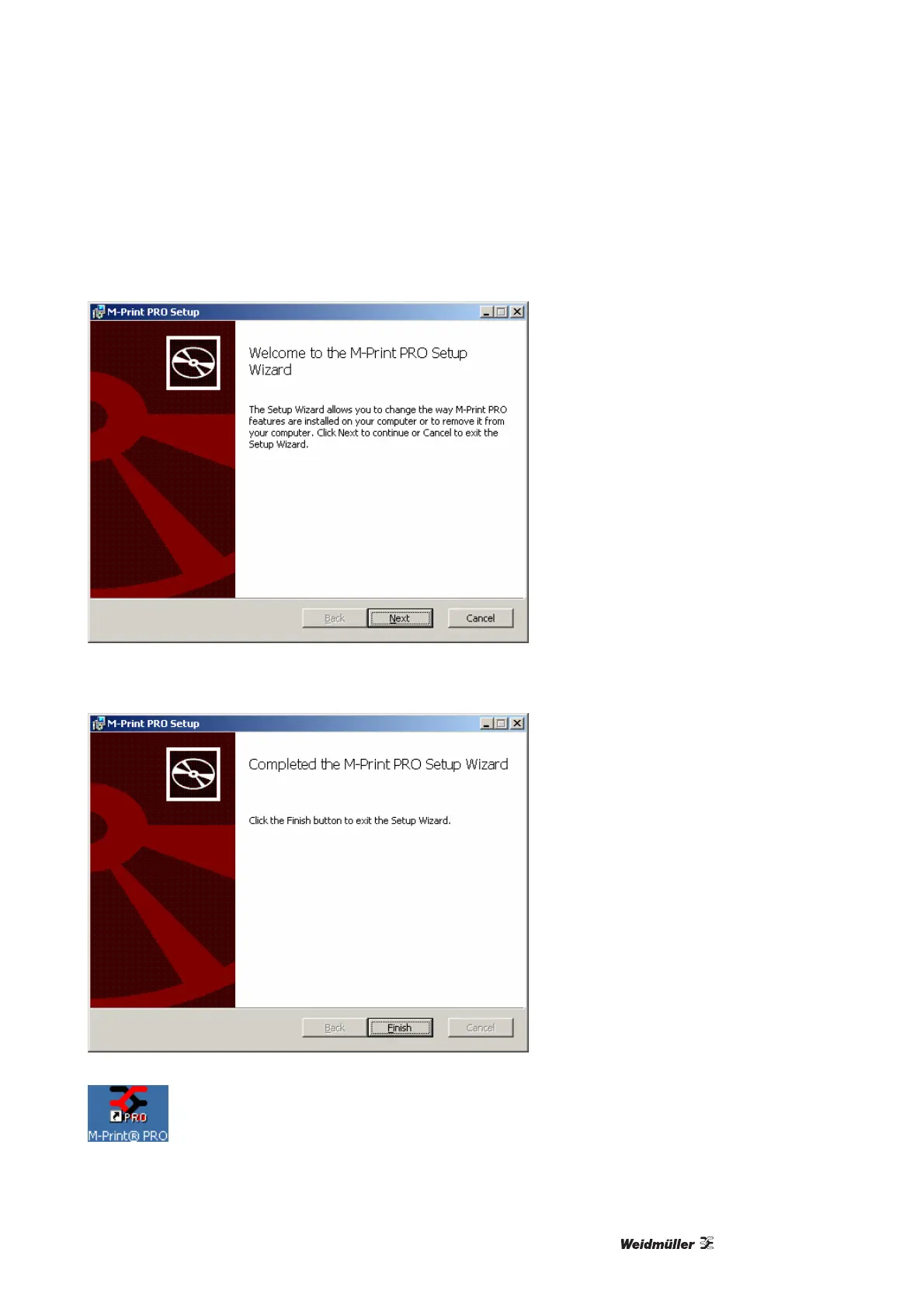
3 The installation starts automatically and the installation assistant appears on the screen. Please follow the
instructions in the installation assistant by clicking on the [Next] button.
Figure 66 Installation wizard
4 After the installation successfully concludes, click on the [Finish] button.
Figure 67 Completing installation
5 The software can now be started from its desktop icon, or from the selection → Start →
Programs → Weidmüller → M-Print PRO.



 To Next Page