Printer description
5661290000/00/06.08
23
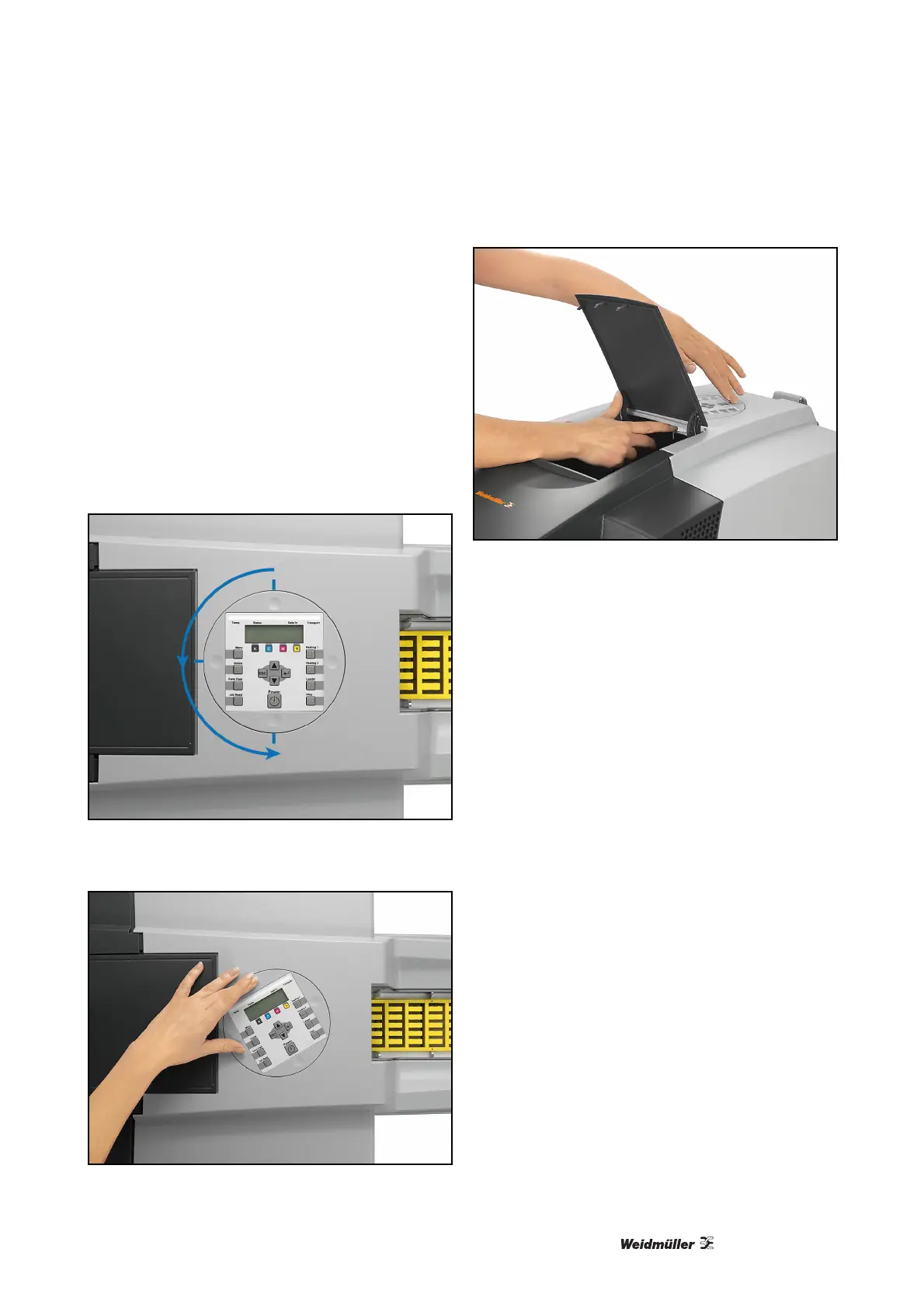
3.2.5 Rotating the operating and con-
trol panel (display)
The printer is shipped with the display set for operat-
ing from the right.
For user convenience the display can be rotated
180° in an anticlockwise direction and back in
90°steps, where it locks into place. The unit can be
re-positioned by using the round indentations. In ad-
dition, when the maintenance cover is opened, the
control panel can be turned by using a special
knurled knob.
Figure 13 Display
Figure 14 Turning the display
Figure 15 Maintenance cover



 To Next Page