The M-Print® PRO Software
68
5661290000/00/06.08
6.6.1 Cleaning the print head
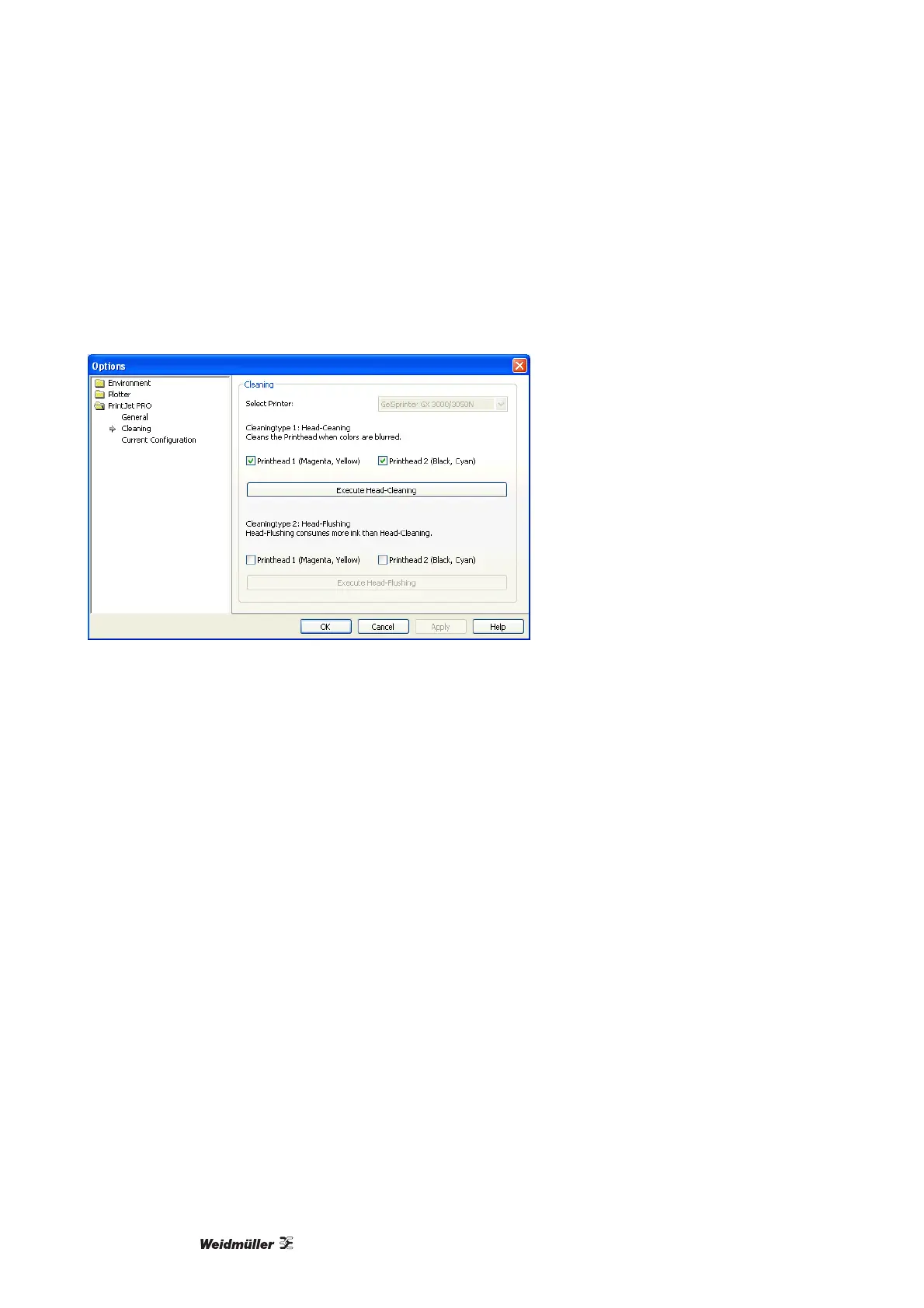
The cleaning process can clean the print head when the printed image appears blurred. Please take the fol-
lowing steps:
1 Select "Cleaningtype 1" and the corresponding ink-filled print heads.
Figure 77 Cleaning the print head
2 Click on the button [Execute Head-Cleaning].
3 The cleaning process is initiated. This can take several minutes to run.
4 After the process has been executed by PrintJet PRO, print out a MultiCard and check the printing qual-
ity. Repeat this process if necessary or run through a complete head-flushing process.



 To Next Page