The first time printing
72
5661290000/00/06.08
7.1 Check list
Overview of the necessary steps:
1 Start M-Print
®
PRO software.
2 Select marker and enter text.
3 Setup printer in M-Print
®
PRO.
4 Turn on PrintJet PRO.
5 Insert the MultiCards which correspond to the M-
Print
®
PRO file in the PrintJet PRO loader.
6 On the PrintJet PRO select the correct fuser set-
ting for the inserted MultiCards.
7 Start printing with M-Print
®
PRO.
A detailed description for using the M-
Print
®
PRO software can be found in the
manual located on the "Printer Driver &
Software" CD.
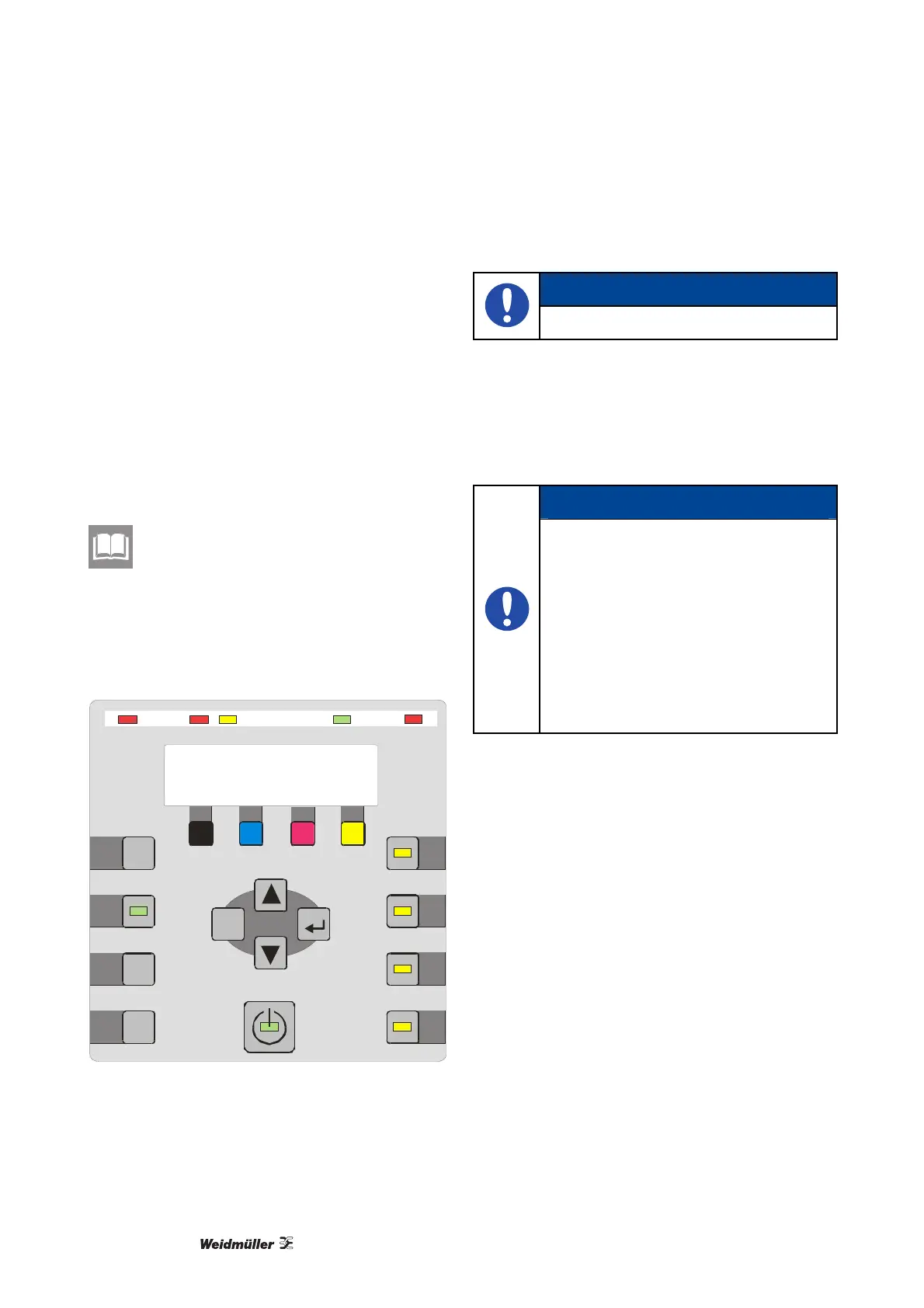
7.2 Turning on the PrintJet PRO
Jo b Reset
Form Feed
Inla y
Online
Hea ting 2
Loa der
Menu
Heating 1
Power
M
Y
Temp.
Transport
Data In
Sta tus
C
K
ESC
Figure 79 Display
1 Press the Power button.
NOTE
This activates the printing system!
The PrintJet PRO is then filled with ink.
This process can last between 6 to 10 minutes.
Make sure that a "Ready" message is then shown
on the operating panel.
NOTE
Be sure to leave the printer on during
this process. Make certain that the
printer is not unplugged or that the filling
process is not interrupted.
You will often hear a clicking noise as
the print heads are being filled. These
noises are normal and stop after a while.
After the print head is activated, the
Power button stays illuminated and the
display indicates "READY".
The system hardware is activated.



 To Next Page