Installing the printer driver
5661290000/00/06.08
43
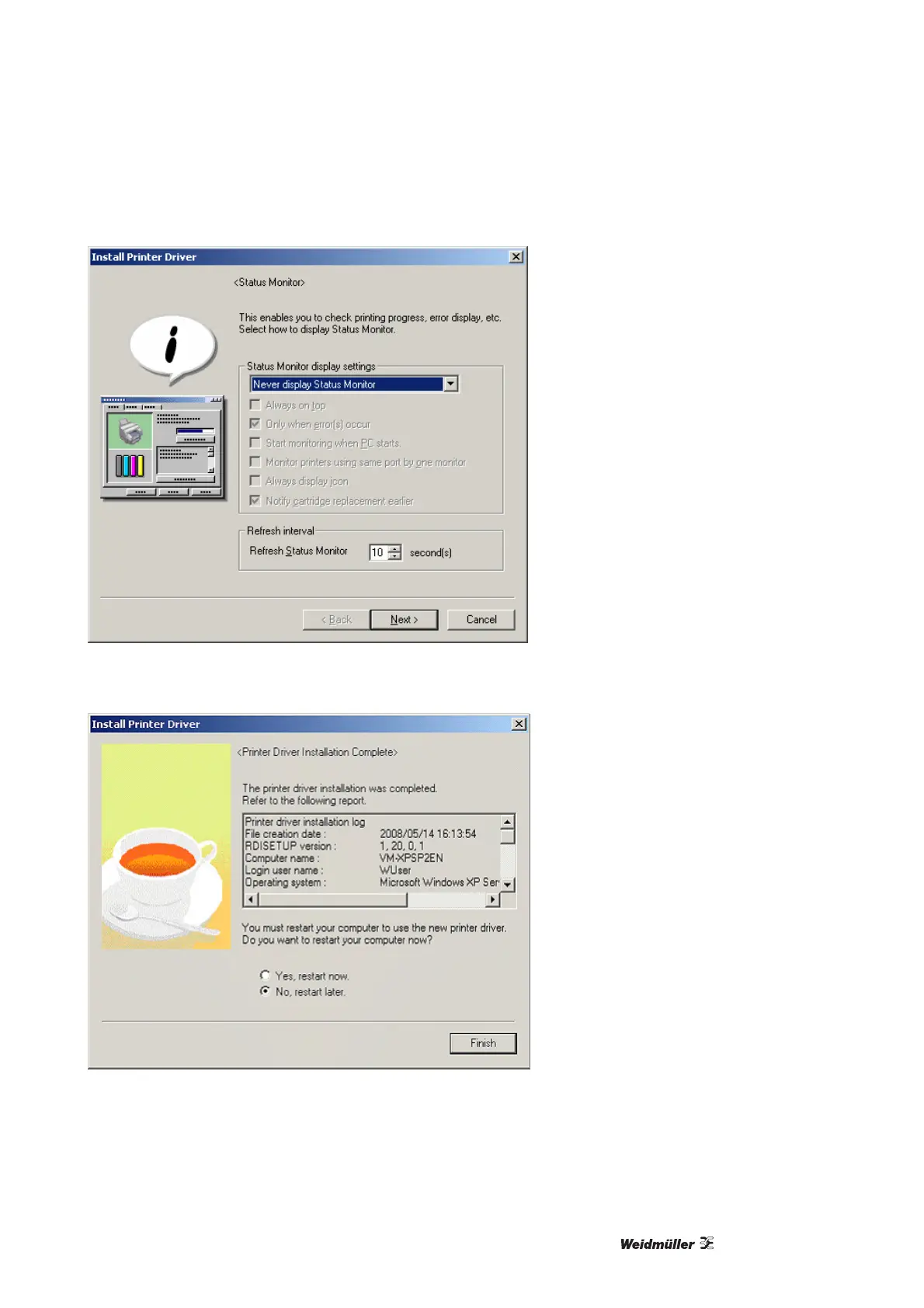
Figure 37 Status monitor
6 Deactivate the status monitor and click on [Next].
Figure 38 Installation of printer driver successful
7 Select the option shown above and click on [Finish].
8 Open Start → Settings → Printer (Windows 2000), or Start → Printer and Fax (XP). Select the printer
which you have just installed and then click with the right mouse button on the [Properties] icon.



 To Next Page