Installing the printer driver
52
5661290000/00/06.08
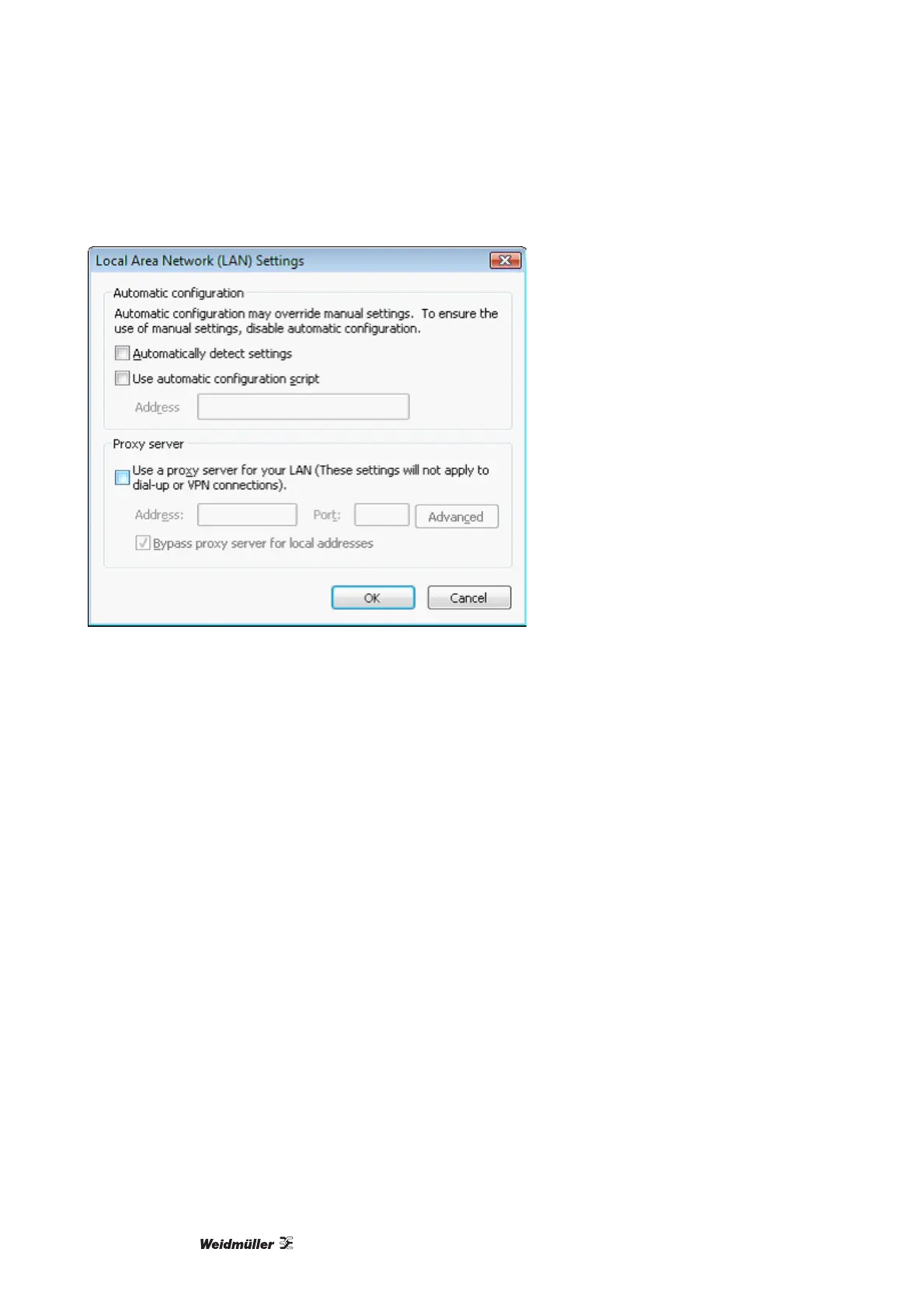
Figure 52 LAN settings
4 Once you have carried out the procedures described above, take the CD-ROM 'Printer Driver & Software'
included in the range of supply and insert it into the CD-ROM drive of your PC. The CD-ROM will start
automatically. At this point you must select a language.
If the CD does not start automatically click SETUP.EXE on the CD. Ensure you have administrator rights
for your local computer.
5 On the main menu 'Printer Driver & Software' select the option 'Printer drivers', 'PrintJet PRO' and the
Operating System 'WIN VISTA'.
6 The Operating System will now issue a message stating that 'an unidentified programme wants to access
your computer'. Click [Allow].
The installation process will now start.



 To Next Page