The M-Print® PRO Software
66
5661290000/00/06.08
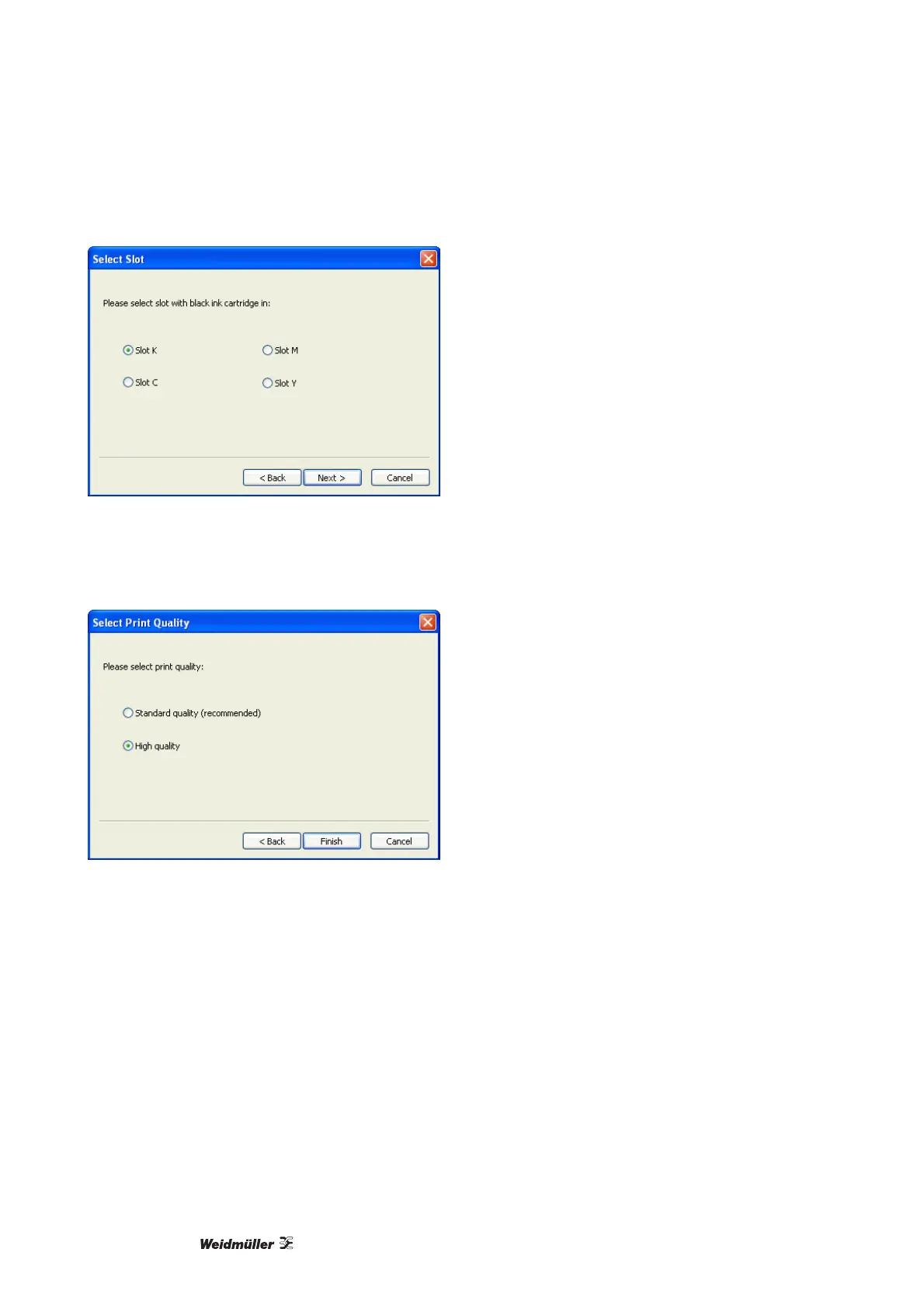
Figure 74 Allocating the black cartridge
7 Select the print quality. The recommended setting is "Standard quality". Please select "High quality" only
when you will be printing intricate graphics. This will result in more ink usage and a slower print process.
8 Confirm the driver settings by clicking on the [Finish] button.
Figure 75 Selecting the print quality



 To Next Page