“with start time”
A time can be set here in the “Time profile feed” menu item
for filling the reserve supply container if the “with start
time” setting is active in the “Feed operating mode” menu
item (see section 2.8.1.3). The reserve supply container is
filled every day at the set time. Interim fills are also per-
formed if the filling amount is not sufficient for 24 hours.
Factory setting “Feed start time”: Start 20:00
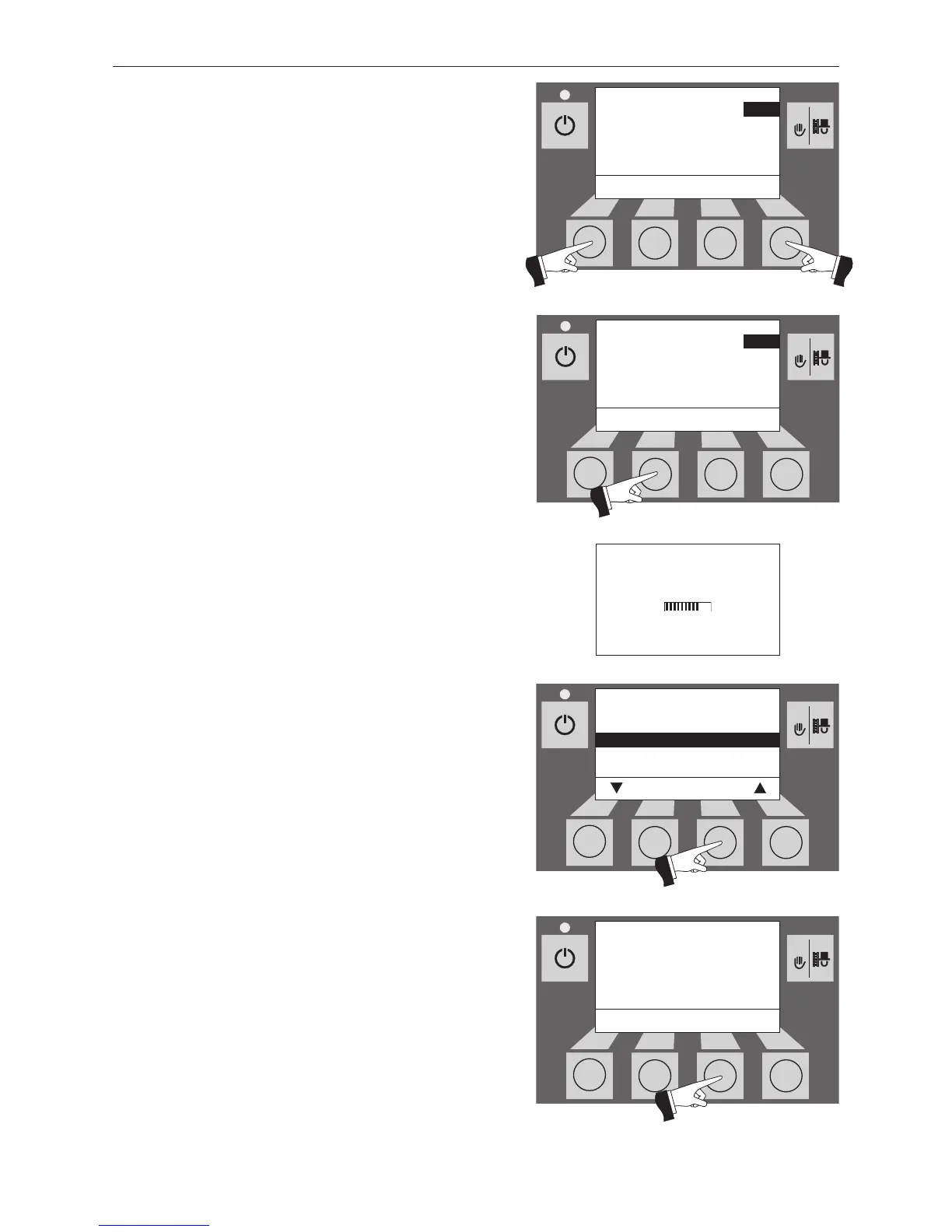
Pressing the + or – buttons changes the time in 1 min steps
– Fig. 94.
Pressing the Save button saves the changed time – Fig. 95.
The display shows “Parameter is saved” for a few seconds
(Fig. 96) and then changes back to the previous level
– Fig. 97.
The menu item or sub-menu item is exited by pressing the
Back button (Fig. 97) or after a delay of 45 seconds.
“without time control” or “switched off”
No setting is possible here in the “Time profile feed” menu
item if the “without time control” or “switched off” setting is
active in the “Feed operating mode” menu item (see section
2.8.1.3) – Fig. 98.
The menu item or sub-menu item is exited by pressing the
Back button (Fig. 98) or after a delay of 45 seconds.



 To Next Page