Rugged Windows Tablet PC M101BK
2.4.2 Charging Your Tablet
The Tablet operates either on external AC power or internal battery power. It is recommended to use AC
power when you start up the Tablet for the first time.
Caution: Use only the AC adapter included with your Tablet Computer. Using other AC
adapters may damage the Tablet Computer and the Battery.
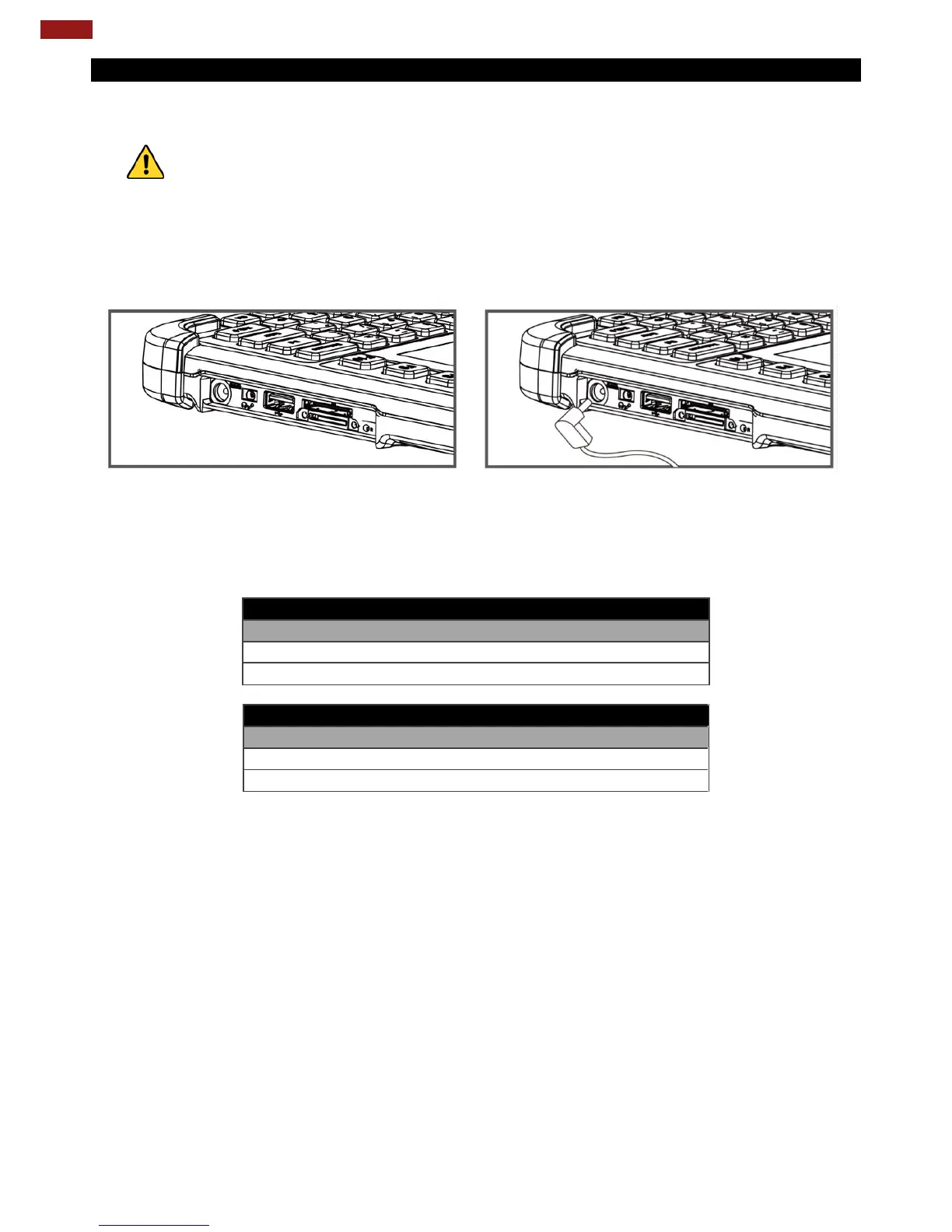
To connect a tablet to AC power:
1. Open I/O protective cover by pulling out the latch.
2. Plug the DC cord of the AC adapter into the power jack of the tablet computer.
3. Plug the AC power cord into the AC adapter.
4. Plug the AC power cord into the electrical outlet.
The battery LED indicator shows different battery states:
Orange - AC adapter is plugged in and battery is charging.
Green - AC adapter is plugged in and battery is fully charged.
Solid Red - Low battery level (<10%).
No light – Battery is in use and charged (>10%).
High Capacity Battery (BL101)
High Capacity Battery (BL101)



 To Next Page