4.1 WinSet Utility
WinSet ® is a program to control the main functions of the M101BK. In Win-Set ®, users can check system
information, control function button settings, and configure blanking function, scanner wedge and settings.
Long-press Fn + F1 function key to open Win-Set®. You can open Win-Set ® by double-clicking on
the Win-Set icon on the desktop.
The Fn key is located on the bottom right of the keypad
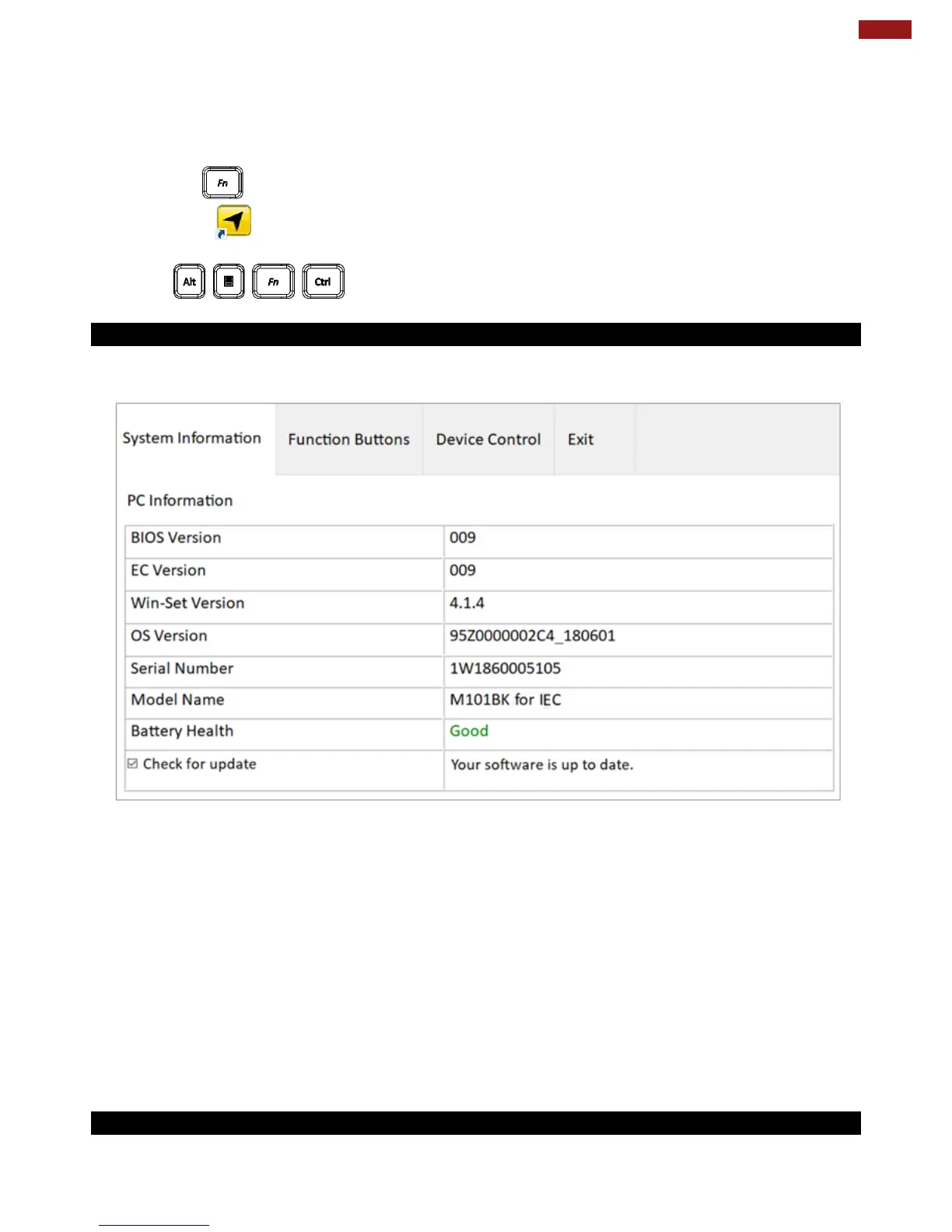
4.1.1 System Information
System information menu displays main information about this computer.
4.1.2 WinSet Shortcut Setting



 To Next Page