Chapter 4: Operating the Device
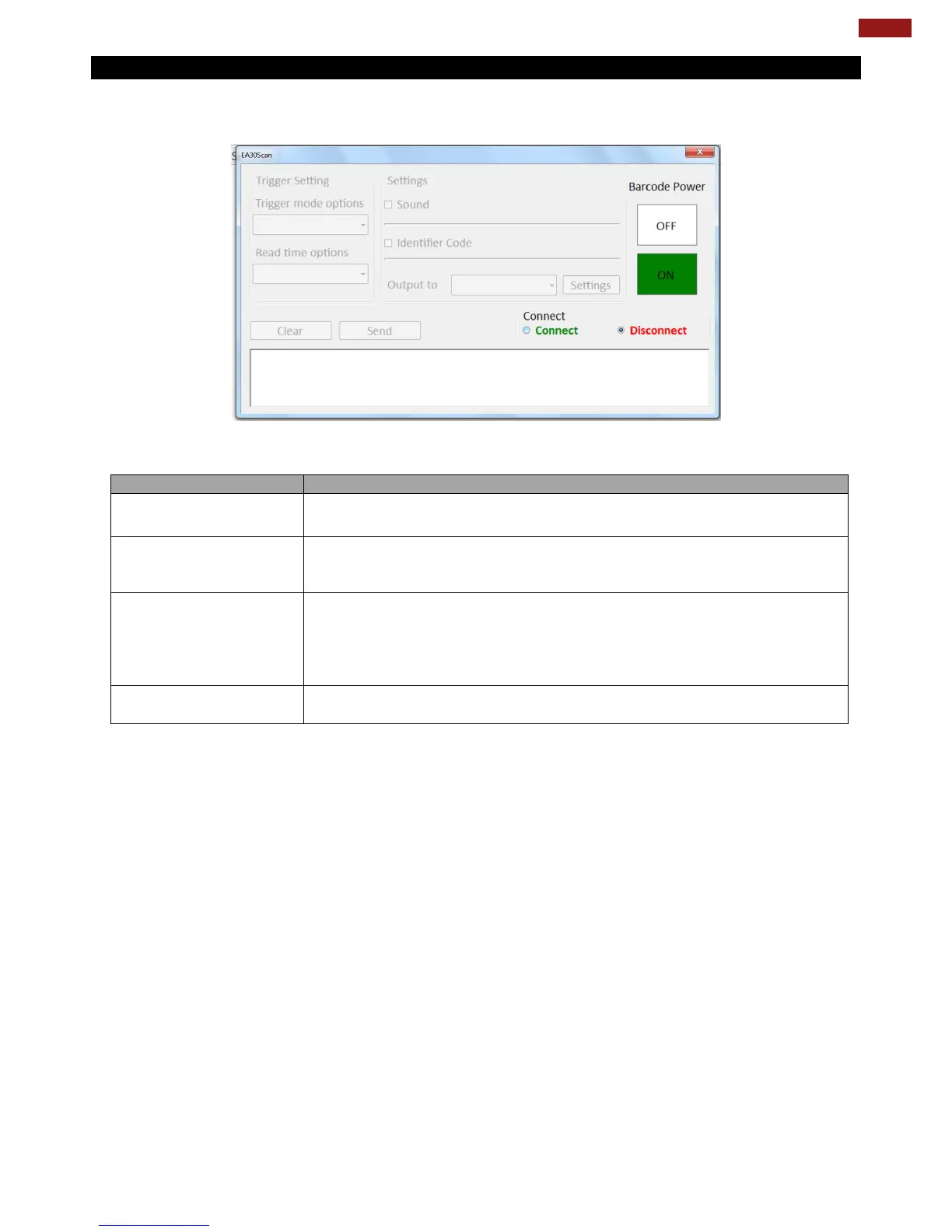
4.5.2 Barcode Trigger Settings
You can define the barcode scanner trigger mode from Trigger mode options drop-down menu shown as
below.
In Continuous mode, the barcode scanner processes auto-scan
continuously. The scanning light and pattern will be always on.
In Level mode, the barcode scanner follows trigger button behavior. The
scanning light will be on when the Fn2 button is triggered, and off when
the barcode is successfully read or the Fn2 button is released.
In Pulse mode, you can define the scanning time after each trigger. The
scanning light will be on when the Fn2 button is triggered, and off when
the barcode is successfully read or the defined read time ends. To set up
the scanning time, tap on the Read time options drop-down menu and
choose a preferred time frame (options from 1 second to 9 seconds).
In Flashing mode, the scanning light is flashing, and the barcode scanner
processes auto-scan with the same frequency.



 To Next Page