4.4 Using WWAN
The M101BK supports data connection with LTE modules and supports Micro-SIM cards. (Note: LTE
feature is optional).
To enable WWAN:
1. Please insert the Micro-SIM card into your Tablet Computer.
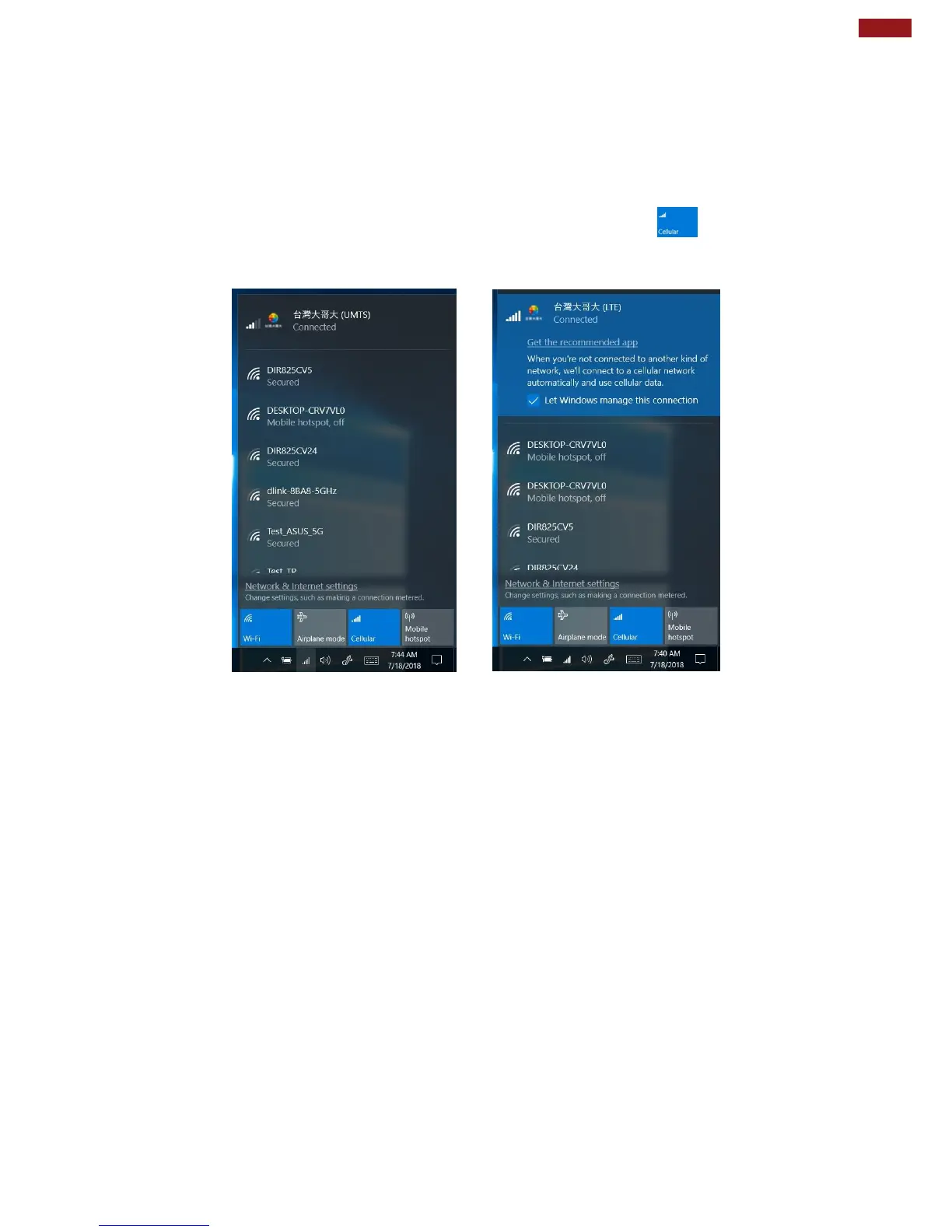
2. Check the wireless WAN connection status through the Cellular status icon in Windows
notification area. The more bars encompassed, the better the signal is.
3. Click on the network title to see more details about the connection settings.



 To Next Page