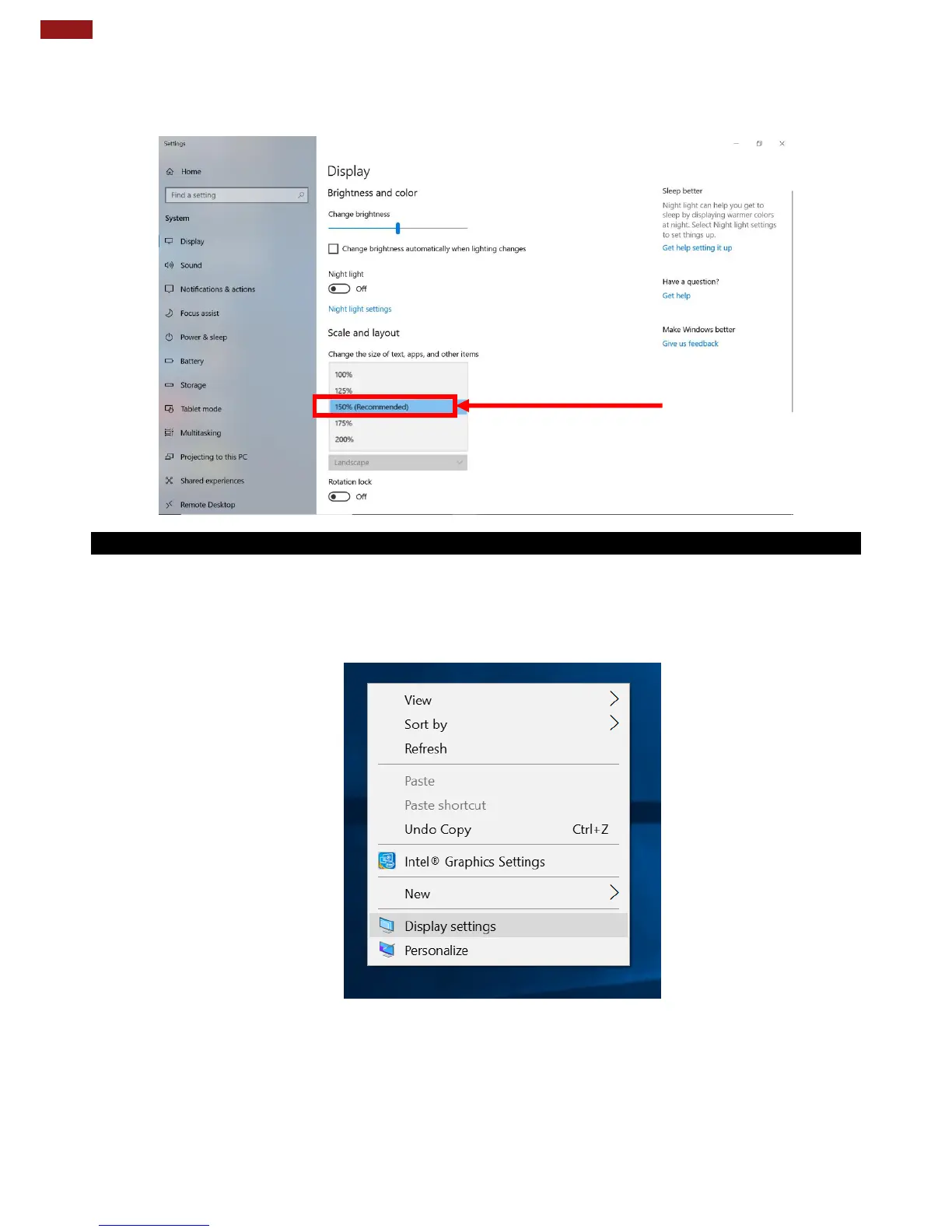
2. A “Display” Window will show up. Click on the dropdown option under the “Scale and layout”
section and change the scaling option to “150% (Recommended)” or any other desired display
scaling.
5.1.2 Changing Resolution
Alternatively, instead of changing the display scaling setting, user may choose to change the overall
resolution setting to make screen elements bigger.
1. Tap and hold anywhere on the desktop for 3 seconds and release to bring up the context menu, and
select “Display settings” option as shown below:



 To Next Page