Rugged Windows Tablet PC M101BK
2.3 Hot Keys for Specific Functions
For the physical buttons on the tablet computer, in addition to its dedicated functions detailed in the
previous section, it can also be used to emulate commonly used keyboard key strokes. Under different
scenario, a single physical button or a combination of physical buttons provide different keyboard key
strokes, which are specified below:
In POST (before Windows boots up):
Enters BIOS
Setup Screen.
Opens Win-Set application
RF Power
(Wifi/BT/WWAN/GPS Ant.)
Increase size of on-screen
keyboard
Brightness or Volume
(Default Brightness)
Brightness or Volume
(Default Brightness)
Default: Barcode Scan
(Configurable)
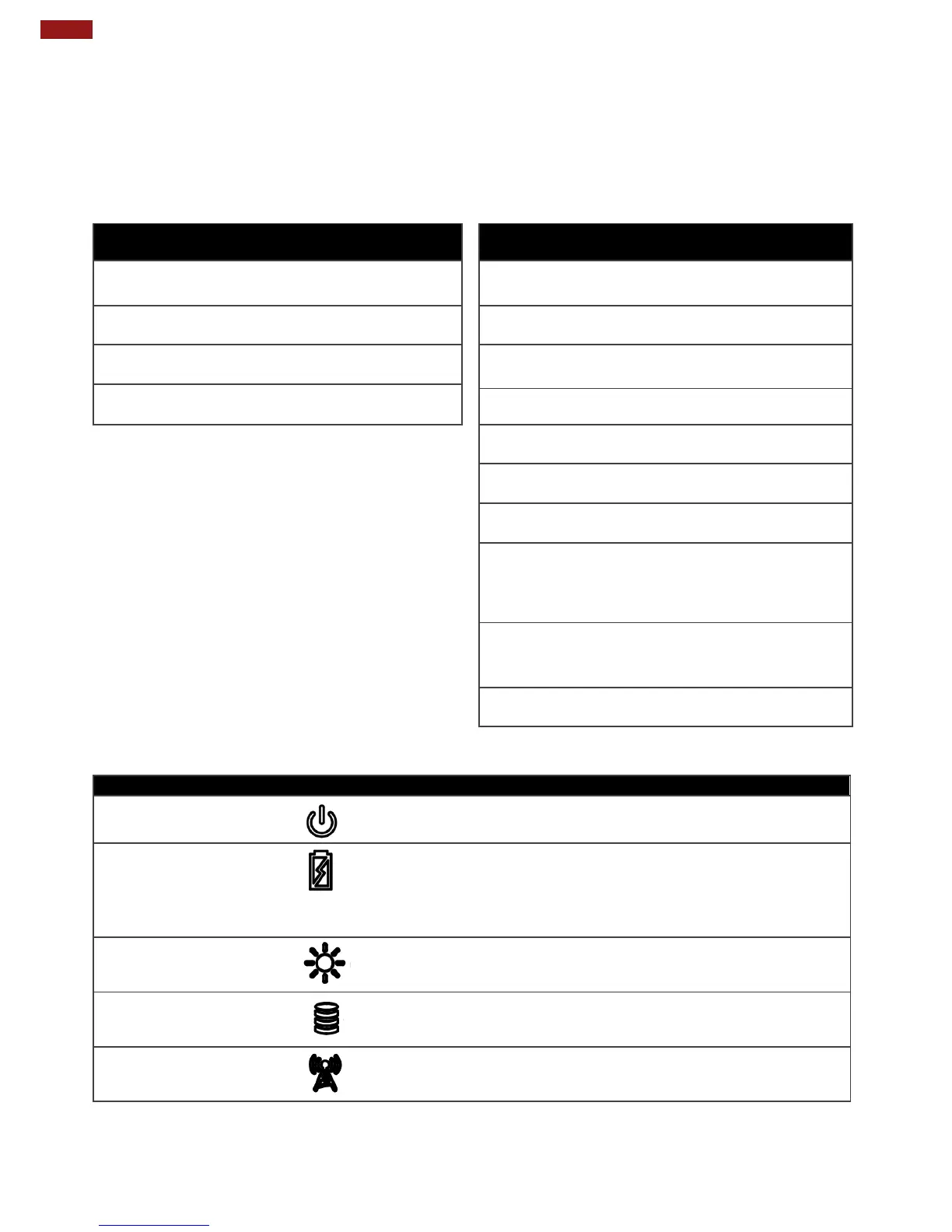
Blue– Tablet is ON
No light– Tablet is OFF
Orange–AC adapter is plugged in and charging
Green–AC adapter is plugged in and battery is full charged
Solid Red - Low battery (<10%)
Blinking Red – Battery is being hot swapped.
No light – Battery is in use and more than 10%
Light sensor automatically adjusts the panel brightness based on
the light settings.
Green - Disk Activity
No light - Disk Idling
Green - WiFi/BT/WWAN/GPS ON
No light - WiFi/BT/WWAN/GPS are all OFF



 To Next Page