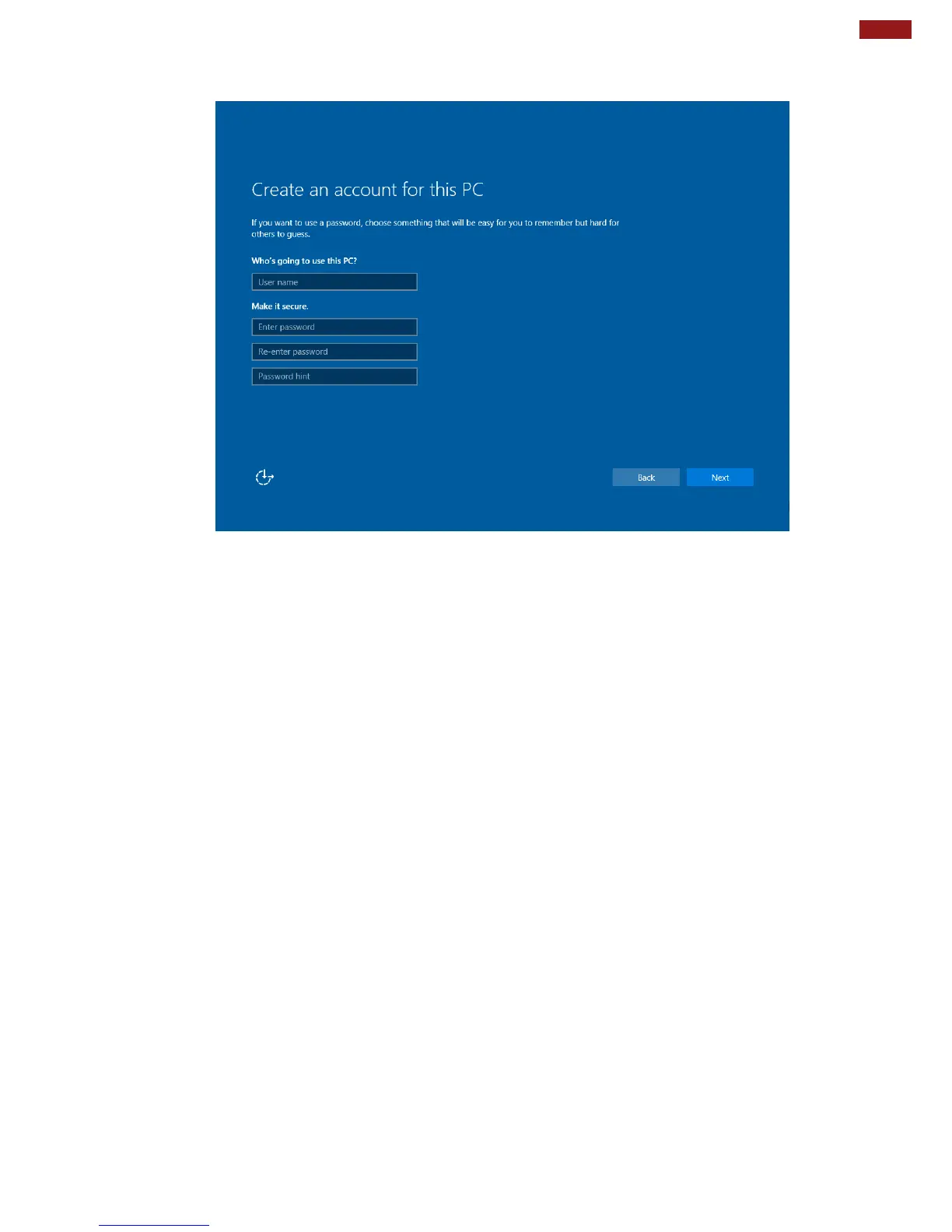
6. To create a local account, type your User name, password, and Password hint in the fields provided,
then tap Next.
7. The initial setup screens are complete, and the desktop is displayed.
8. Read any introductory screens describing features of your computer, and tap Next upon completing
each. You are now done with the initial setup process.



 To Next Page