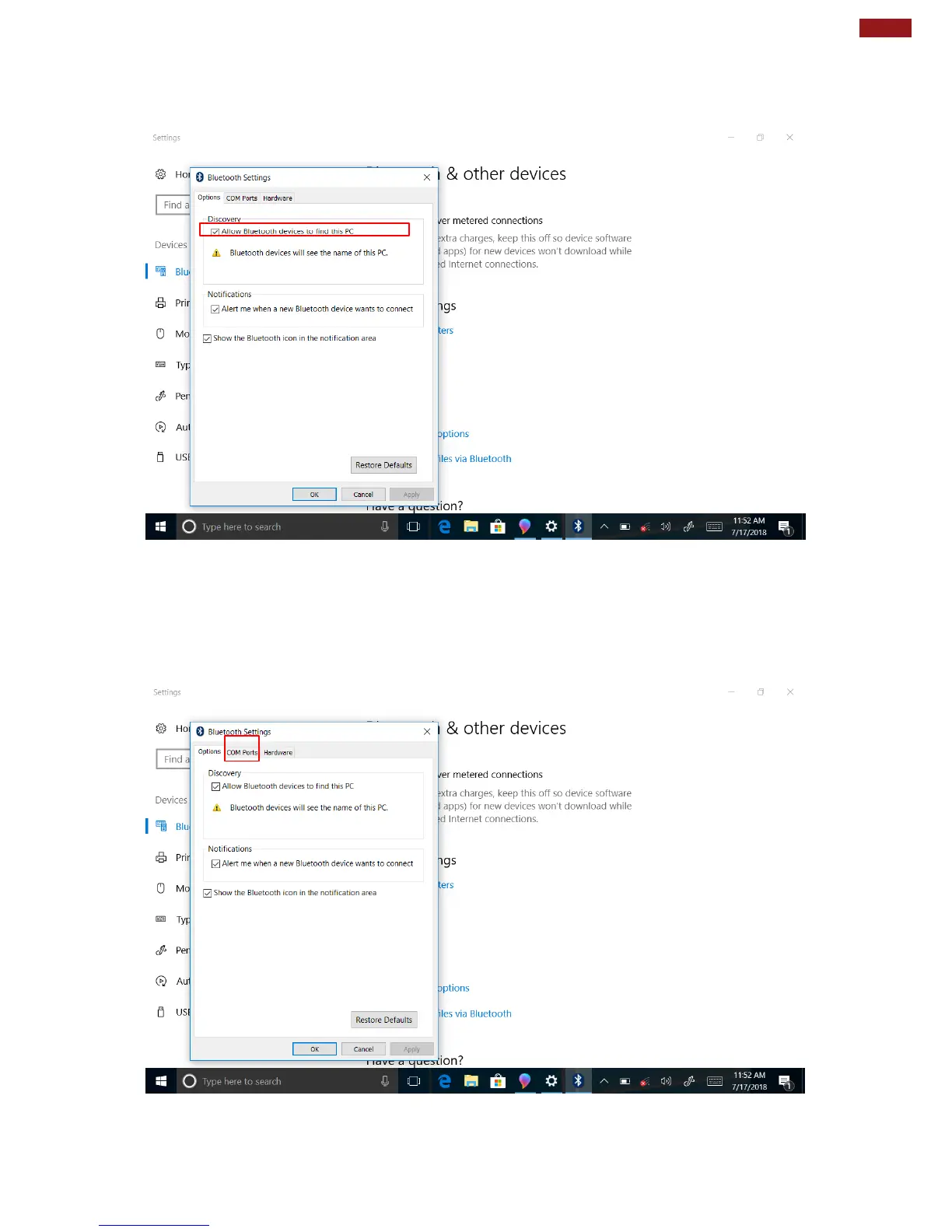
3. Once the Bluetooth and Other Devices Menu appears, scroll down to “More Bluetooth
Options” tab, and make sure that the computer is set to “Allow Bluetooth devices to find
this PC”, as shown below:
Click OK to continue.
4. In the Bluetooth Settings menu, go to “COM Ports” tab. COM port has to be setup for the
wireless Bluetooth Barcode Scanner to communicate via the Bluetooth Serial Port Profile.
Click on the “Add…” button.
.



 To Next Page