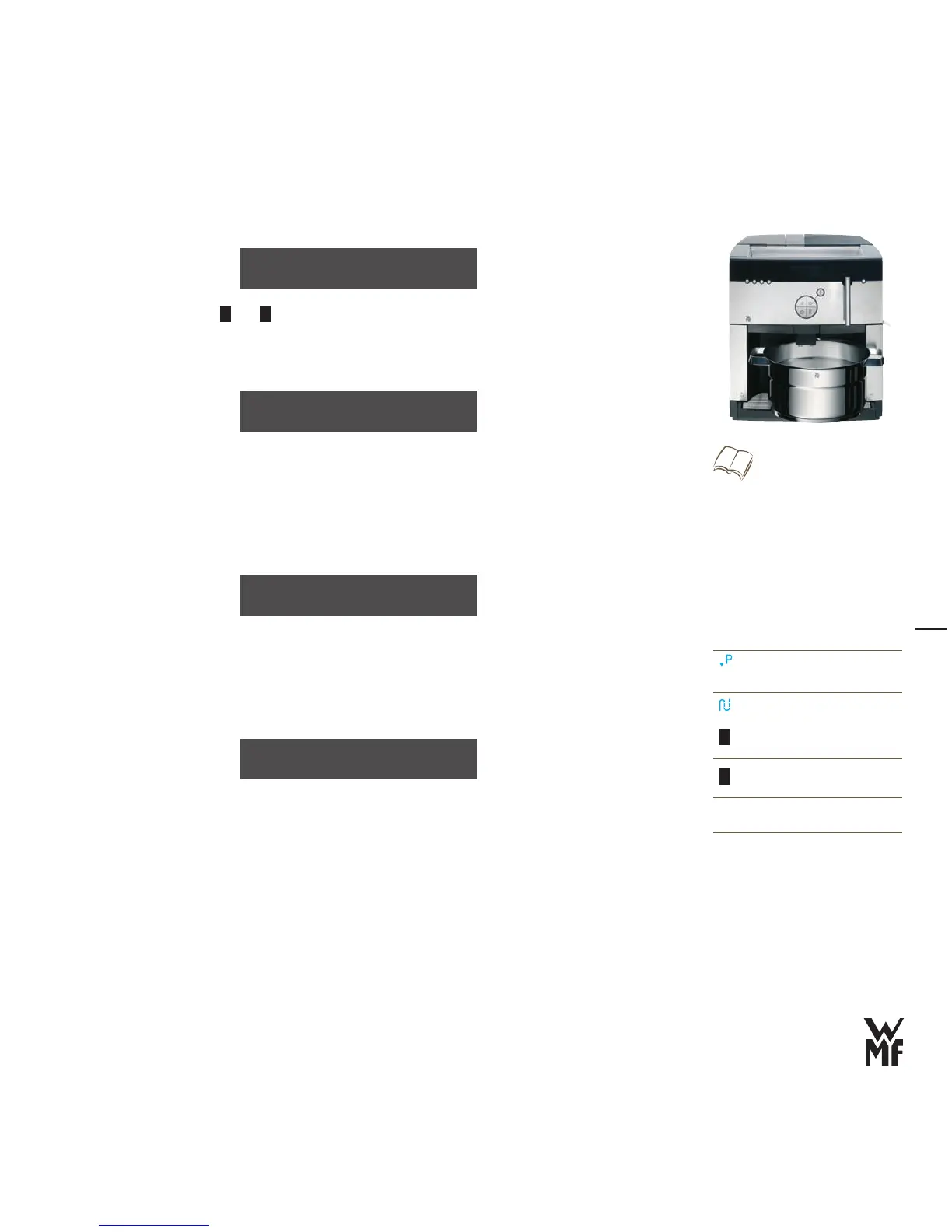
Water filter
Enter here with the
>
–
and
+
buttons whether you are using a tank filter
(recommended for water hardness 5 °dKH and higher)
Press the P button to confirm the setting
>
If “water filter” is set, then the filter should be rinsed now.
> Set a container with approx. 3 litres capacity under the hot water spout
When rinsing the filter, you will hear unusual noises. This is normal. The noises will stop during the filter
rinse.
Fill the water tank with cold tap water
>
Slowly slide the water tank back into the machine >
The machine now heats up.
After the machine has heated up, there is a coffee system rinse. This warms up all the pipes.
After each brewing cycle, in the heating up phase and during the care programs, so-called release
water runs into the drip tray.
Place a container for the rinse water (approx. 120 ml) under the All-in-One spout
>
The coffee system rinse lasts approx. 40 seconds; after this, the machine is ready to operate.
Water filter: No
OK: P change: -/+
place 3L container
under h.w. spout
Rinse filter:
Follow the display messages
Insert the WMF water filter
w Start-up
w Prepare the water tank
Page 8
Replace water filter
w Care w General care programs
Page 40
heating up ...
Select
P
Confirm
Care button
–
Page backward
Reduce value
+
Page forward
Increase value
The new values are saved when you exit
the program.
your selection pls
08:15 09.06.2008



 To Next Page