28
Settings
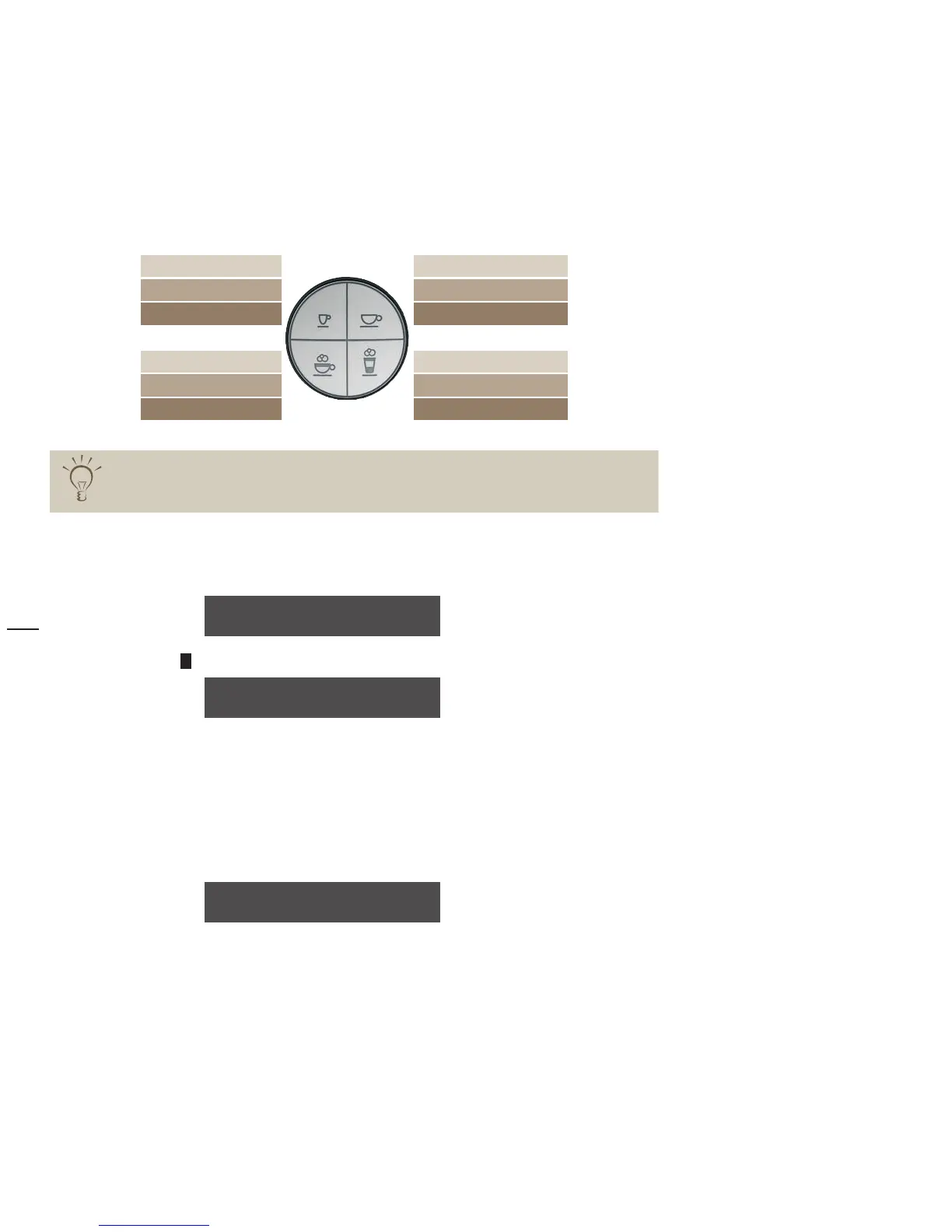
Select the beverage for which the taste and composition should be changed >
1x briefl y 1 x espresso 1x café crème 1x briefl y
2x briefl y no setting no setting 2x briefl y
1x long 1x ristretto 1x mug café crème 1x long
1x briefl y 1x cappuccino 1x latte macchiato 1x briefl y
2x briefl y no setting no setting
1x long 1x milk coffee 1x espresso macchiato 1x long
For “2x briefl y” beverages, no setting is necessary; the beverage settings always correspond
to twice the amount as for a “1x briefl y” beverage.
Water volume
Example: press the
>
+
button until the water volume is increased to 37 ml
You can start a dispensing test with the new values at any time.
Place an appropriate drinking vessel under the All-in-One spout
>
Press the beverage button again >
Test the beverage >
If the beverage is to your taste:
Confi rm the setting with the P button
>
water volume: 35 ml
OK: P change: -/+
water volume: 37 ml
OK: P Test:bev.btn.
water volume: 37 ml
OK: P change: -/+



 To Next Page