AACCTTIIOONN YYEESS NNOO
SStteepp 66
Insert a supported flash drive.
Does the printer recognize the flash
drive?
The problem is solved. Go to step 7.
SStteepp 77
Remove, and then insert the flash
drive.
Does the printer recognize the flash
drive?
The problem is solved. Contact Contacting Customer
Support
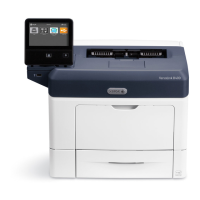
Xerox
®
B410 Printer User Guide 213
Troubleshooting



 To Next Page