2.8 Auditron Function 53
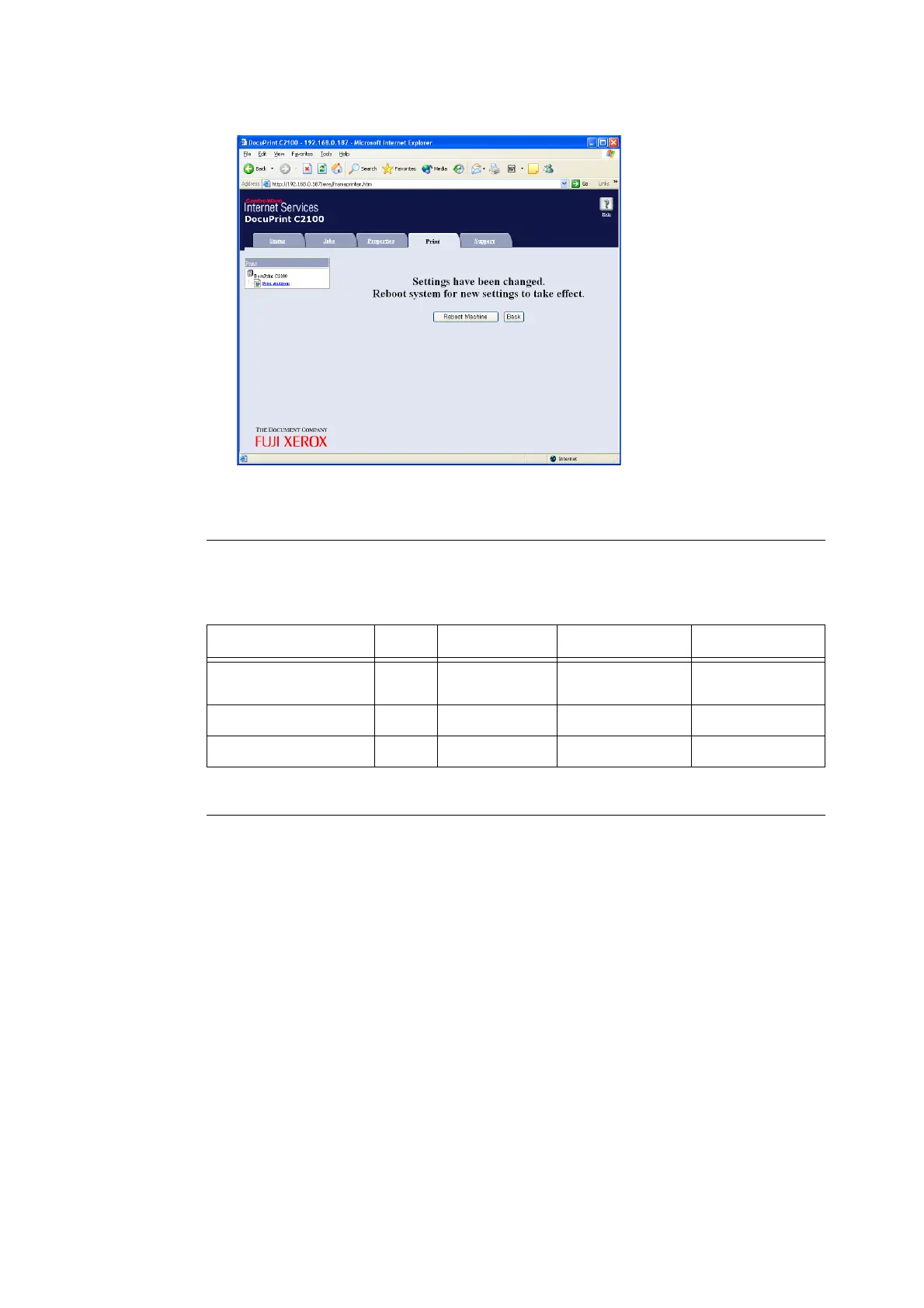
8. Click [Reboot Machine] to restart the printer.
The registered information is updated on the printer.
Checking from a printout
Select the [Print Meter] menu from on the printer control panel and output an Auditron
Report to check a list of the following information.
Resetting the counter
The counters for all of the user accounts can be cleared from the printer control panel.
User ID Account Limit Total Impressions Sheets Printed
Each registered user
(department)
{{ { {
Report/List
–– {{
No Account User
–– {{


 To Next Page
 Loading...