5.XPILOT
150
Turn On or O on the Central Control Turn On or O on the Central Control
ScreenScreen
─
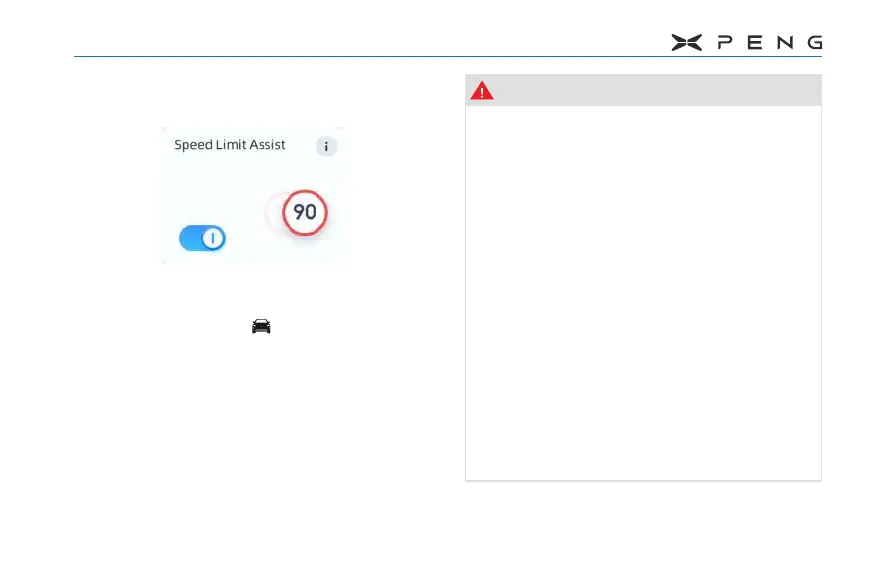
After the vehicle is Ready, SLA switch
defaults to the last operating state. Turn
it on/o through " → XPILOT → Speed
Limit Assist" switch on the central control
screen.
─
If SLA function fails, SLA switch is grayed
out and cannot be operated, please
contact local authorized service center.
Warning
●
Do not rely on SLA to determine the
appropriate speed limit or driving
speed. You should always drive within
a safe speed range according to traffic
and road conditions.
●
TSR only displays speed limits, and it
cannot actively intervene to adjust the
vehicle speed. You need to adjust the
speed of the vehicle according to the
road speed limit requirements.
●
Map data and camera recognition
of speed limit signs are not always
accurate. The system may misjudge the
road condition and provide a speed limit
that happens to be dierent on adjacent
roads or the camera will incorrectly
recognize the speed limit sign and
display it on the dashboard.



 To Next Page