5.XPILOT
181
1
2
3
4
5
6
7
8
9
10
11
─
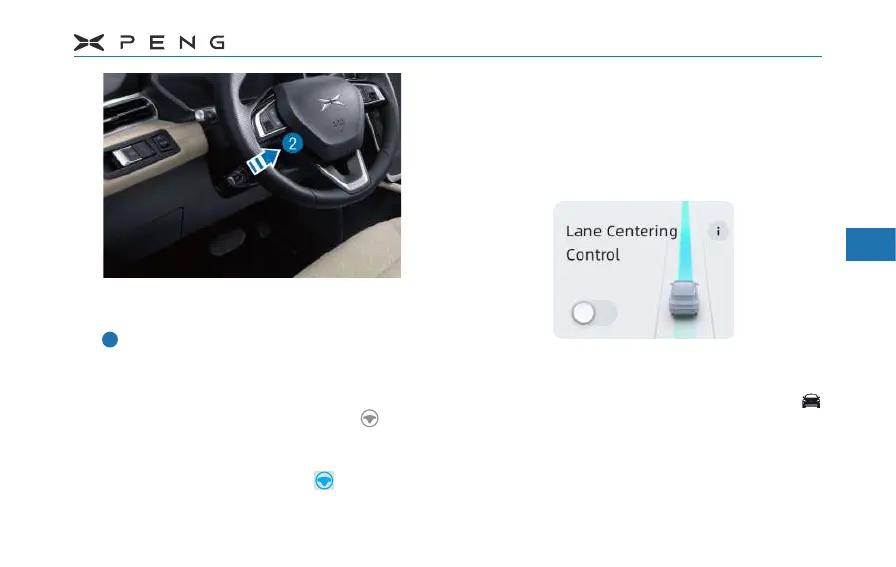
After the instrument displays the icon
of Adaptive Cruise Control(ACC), press
continuously for two times, and the
function of Lane Centering Control (LCC)
will enter the standby state. At this time,
the instrument will display the standby
state of Lane Centering Control , and
when the vehicle is in a lane with clear
lane lines, it will enter the activated state.
The instrument will display with vehicle
in the activated state.
At this time, LCC will assist the driver to control
the steering wheel, and the vehicle speed is
still assisted by ACC.
Turn On/Off on the Central Control Turn On/Off on the Central Control
ScreenScreen
─
After the vehicle is ready, LCC switch
defaults to the last operating state. After
the vehicle is shifted in P gear, click "
→ XPILOT → Lane Centering Control" switch
on the central control screen to turn on/o.



 To Next Page