3.Driving
87
1
2
3
4
5
6
7
8
9
10
11
Welcome ModeWelcome Mode
─
Turn it on or o via clicking " → Vehicle
→ Driver Welcome Mode" on the central
control screen.
Tips
●
After the welcome mode function is
turned on, open the door, and the
main driver seat will be automatically
adjusted and retreated; After getting
on the vehicle and closing the door, the
seat automatically moves forward to the
memory position for easy entry and exit.
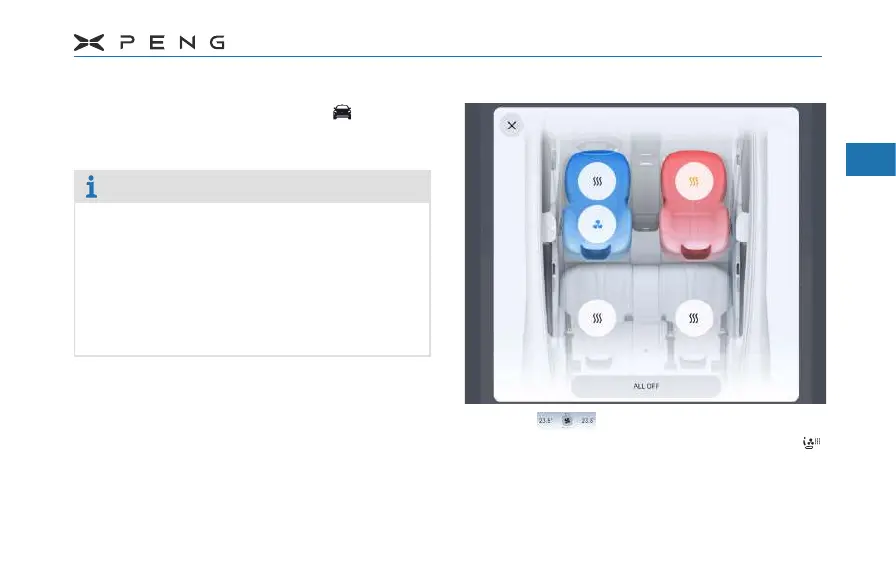
Seat Ventilation/Heating*Seat Ventilation/Heating*
─
Click on the central control screen
to enter A/C control interface, and click
to enter the seat ventilation and heating
function interface.



 To Next Page