_1MHL connection
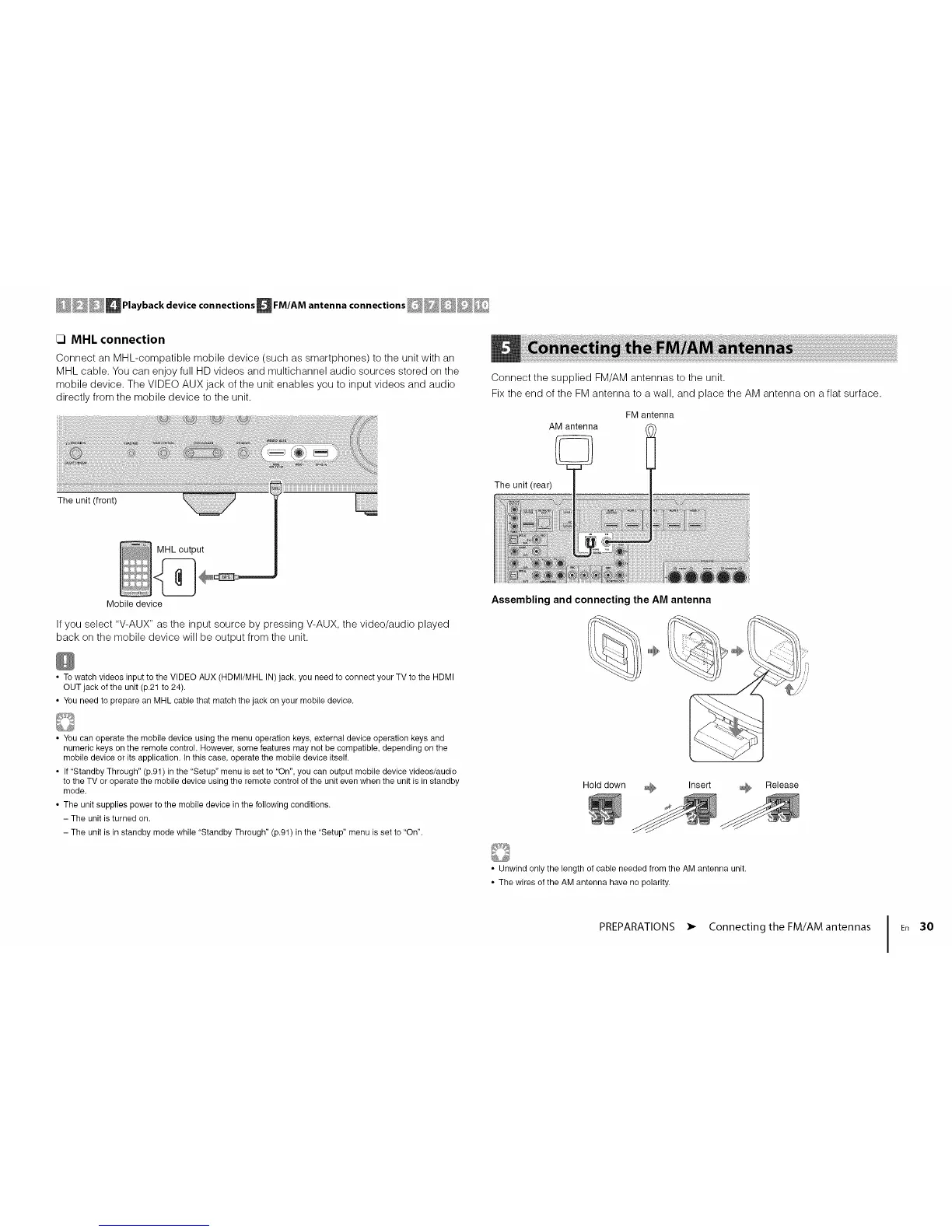
Connect an MHL-compatible mobile device (such as smartphones) to the unit with an
MHL cable. You can enjoy full HD videos and multichannel audio sources stored on the
mobile device. The VIDEO AUX jack of the unit enables you to input videos and audio
directly from the mobile device to the unit.
iiiiiii!iiiiiii!iiiiiiiiiiiiiiiiiiiiii¸i¸ii¸i¸i¸i¸i!iiiiiiiiiiiiiiiiiiiiiiiiiiiiiiiiiiii!iiii!!iii¸¸ lliiiiiililli_iiiiiliiiiiiillllliiii{iliiiiliilliiiiililiiiiiiiiil!;iliiiilliliiil_iiiiiiiiiiiiiiiiiiiiiiiiiiiiiiiiiiiiiiiiiiiiiiiiiiiiiiiiiiiil
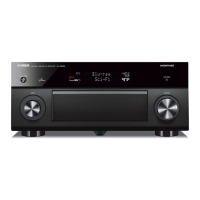
The unit (front)
Connect the supplied FM/AM antennas to the unit.
Fix the end of the FM antenna to a wall, and place the AM antenna on a flat surface.
FM antenna
AM antenna
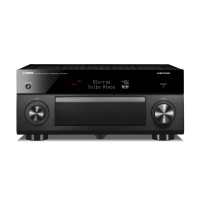
The unit (rear)
Mobile device
If you select "V-AUX" as the input source by pressing V-AUX, the video/audio played
back on the mobile device will be output from the unit.
• To watch videos input to the VIDEO AUX (HDMI/MHL IN) jack, you need to connect your TV to the HDMI
OUT jack of the unit (p.21 to 24).
• You need to prepare an MHL cable that match the jack on your mobile device.
Assembling and connecting the AM antenna
• You can operate the mobile device using the menu operation keys, external device operation keys and
numeric keys on the remote control. However, some features may not be compatible, depending on the
mobile device or its application. In this case, operate the mobile device itself.
• If 'Standby Through" (p.91) in the "Setup" menu is set to "On", you can output mobile device videos/audio
to the TV or operate the mobile device using the remote control of the unit even when the unit is in standby
mode.
• The unit supplies power to the mobile device in the following conditions.
- The unit is turned on.
- The unit is in standby mode while "Standby Through" (p.91) in the "Setup" menu is set to "On".
Hold down _ Insert _ Release
• Unwind only the length of cable needed from the AM antenna unit.
• The wires of the AM antenna have no polarity.
PREPARATIONS • Connecting the FM/AM antennas I En 30




 To Next Page