_ Rename/Icon Select
Changes the scene name and icon displayed on the front display or TV screen.
Setup procedure
Use the cursor keys (<I/l>) to select an icon and press the cursor key (V).
You can change the settings of the sound programs and surround decoders using the
TV screen.
Press ON SCREEN.
Use the cursor keys to select "Sound Program" and press ENTER.
Press ENTER to enter the name edit screen.
_ Use the cursor keys and ENTER to rename and select "ENTER" to confirm the
entry.
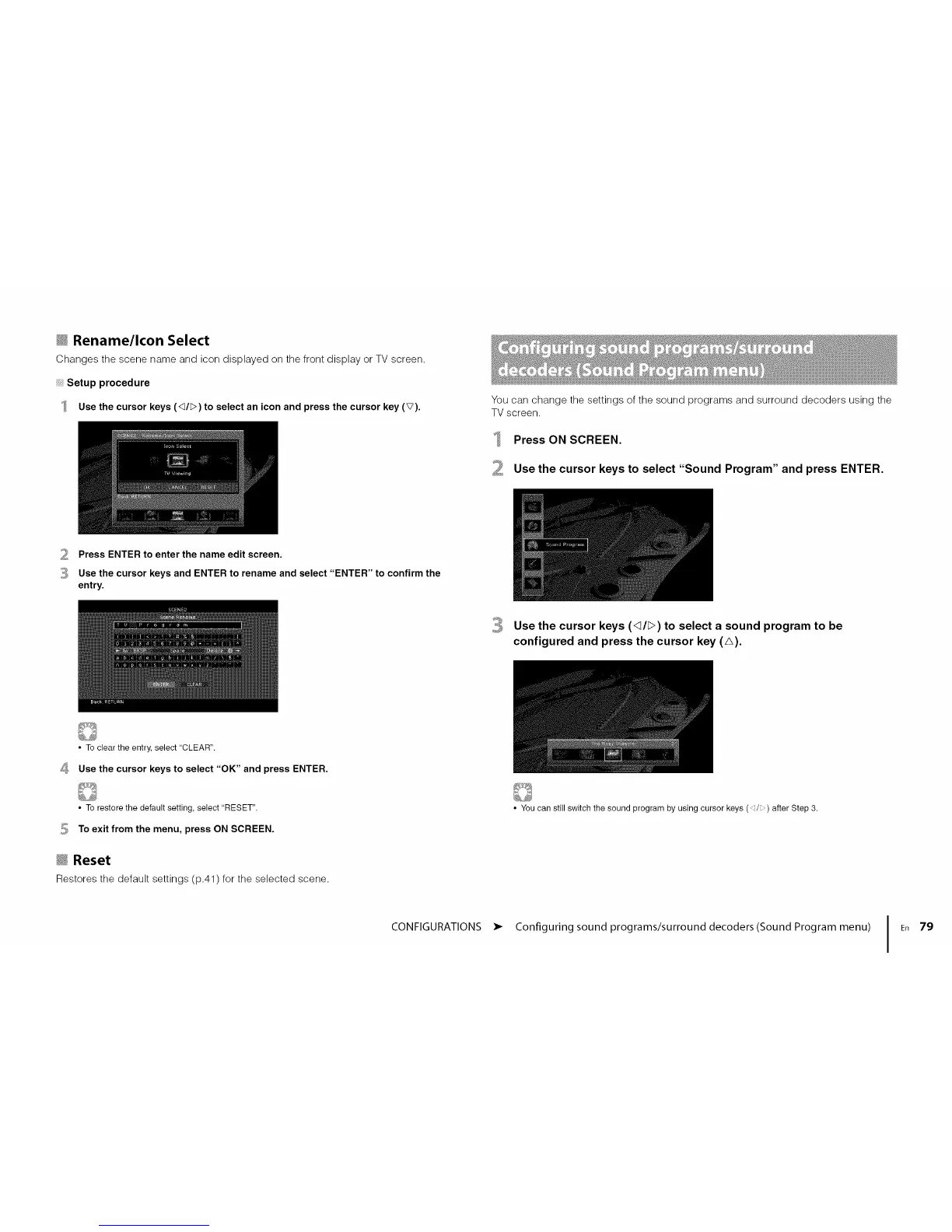
Use the cursor keys (<_/;>) to select a sound program to be
configured and press the cursor key (A).
• To clear the entry, select "CLEAR".
_ Use the cursor keys to select "OK" and press ENTER.
• To restore the default setting, select "RESET".
_ To exit from the menu, press ON SCREEN.
_ Reset
Restores the default settings (p.41) for the selected scene.
• You can still switch the sound program by using cursor keys (d/_) after Step 3.
CONFIGURATIONS • Configuring sound programs/surround decoders(Sound Program menu) I En 79













 To Next Page