Youcanconfiguretheunit'svariousfunctionwiththemenudisplayedontheTVscreen.
Press ON SCREEN.
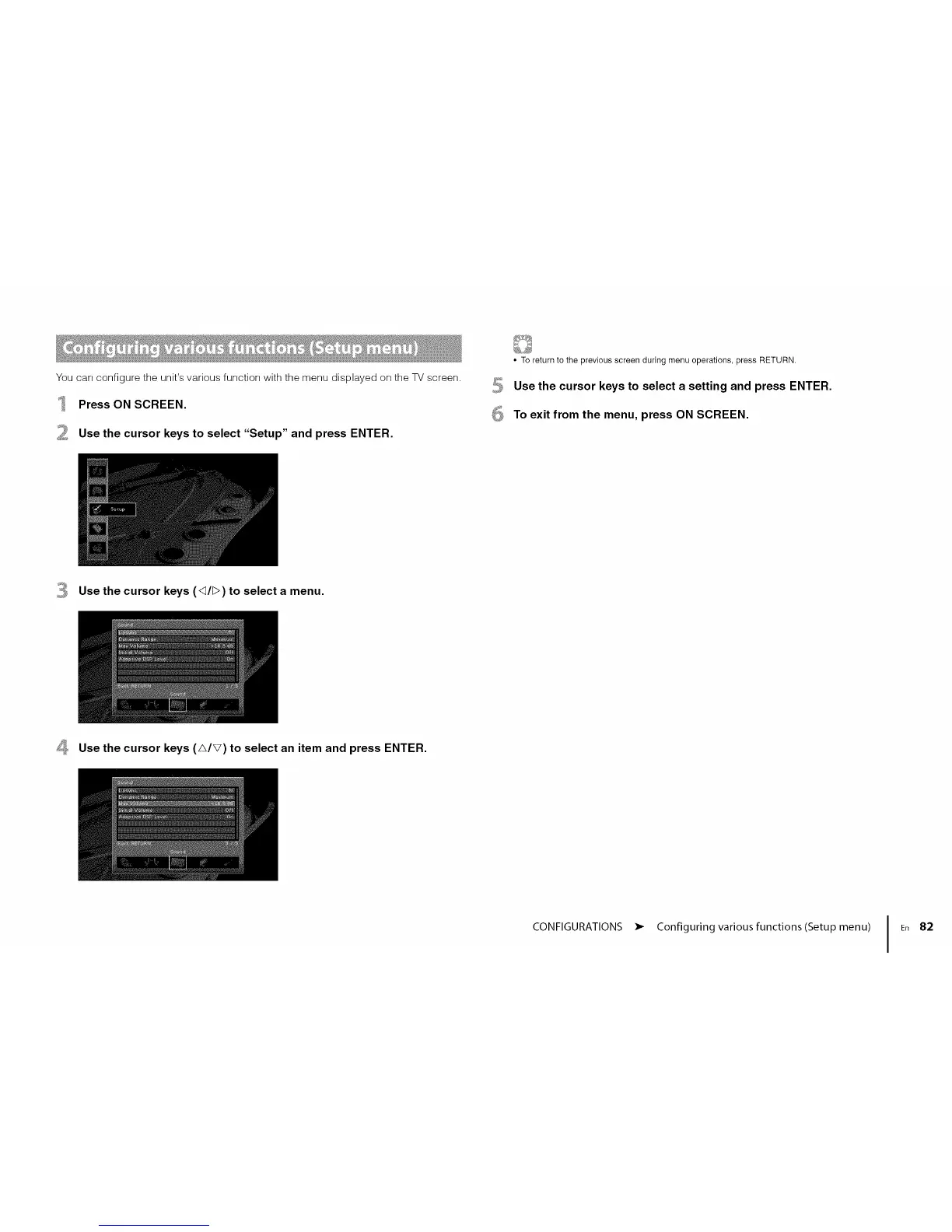
Use the cursor keys to select "Setup" and press ENTER.
6
• To return to the previous screen during menu operations, press RETURN.
Use the cursor keys to select a setting and press ENTER.
To exit from the menu, press ON SCREEN.
Use the cursor keys (<_/[>) to select a menu.
_, Use the cursor keys (A/V) to select an item and press ENTER.
CONFIGURATIONS • Configuring various functions(Setup menu) I En 82













 To Next Page