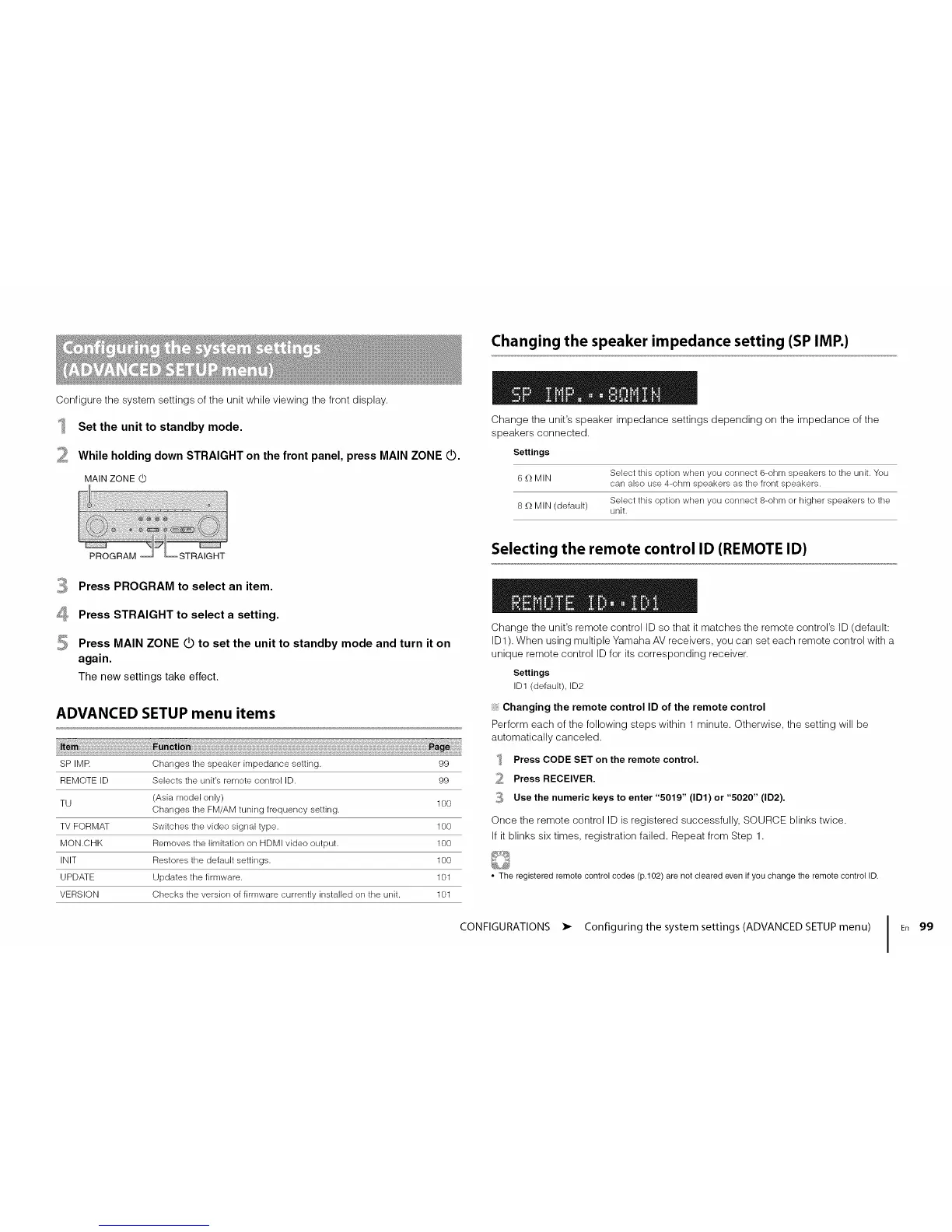
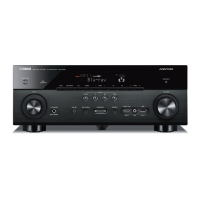
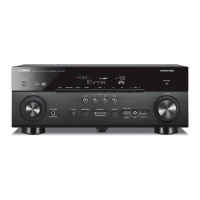
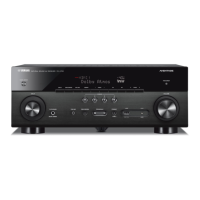
Configurethesystemsettingsoftheunitwhileviewingthefrontdisplay.
Set the unit to standby mode.
While holding down STRAIGHT on the front panel, press MAIN ZONE dO.
MAIN ZONE
Changing the speaker impedance setting (SP IMP.)
Change the unit's speaker impedance settings depending on the impedance of the
speakers connected.
Settings
Select this option when you connect 6-ohm speakers to the unit. You
6 £-)MIN
can also use 4-ohm speakers as the front speakers.
Select this option when you connect 8-ohm or higher speakers to the
8 £-)MIN (default) unit.
Selecting the remote control ID (REMOTE ID)
4
Press PROGRAM to select an item.
Press STRAIGHT to select a setting.
Press MAIN ZONE do to set the unit to standby mode and turn it on
again.
The new settings take effect.
ADVANCED SETUP menu items
SP IMR Changes the speaker impedance setting. 99
REMOTE ID Selects the unit's remote control ID. 99
TU (Asia model only) 100
Changes the FM/AM tuning frequency setting.
TV FORMAT Switches the video signal type. 100
MON.CHK Removes the limitation on HDMI video output. 100
INIT Restores the default settings. 100
UPDATE Updates the firmware. 101
VERSION Checks the version of firmware currently installed on the unit. 101
Change the unit's remote control ID so that it matches the remote control's ID (default:
ID1). When using multiple Yamaha AV receivers, you can set each remote control with a
unique remote control ID for its corresponding receiver.
Settings
ID1 (default), ID2
Changing the remote control ID of the remote control
Perform each of the following steps within 1 minute. Otherwise, the setting will be
automatically canceled.
Press CODE SET on the remote control.
Press RECEIVER.
_ Use the numeric keys to enter "5019" (ID1) or "5020" (ID2).
Once the remote control ID is registered successfully, SOURCE blinks twice.
If it blinks six times, registration failed. Repeat from Step 1.
• The registered remote control codes (p.102) are not cleared even if you change the remote control ID.
CONFIGURATIONS • Configuring the system settings (ADVANCED SETUP menu) I
En 99




 To Next Page