_ Network Name
Edits the network name (the unit's name on the network) displayed on other network
devices.
Procedure
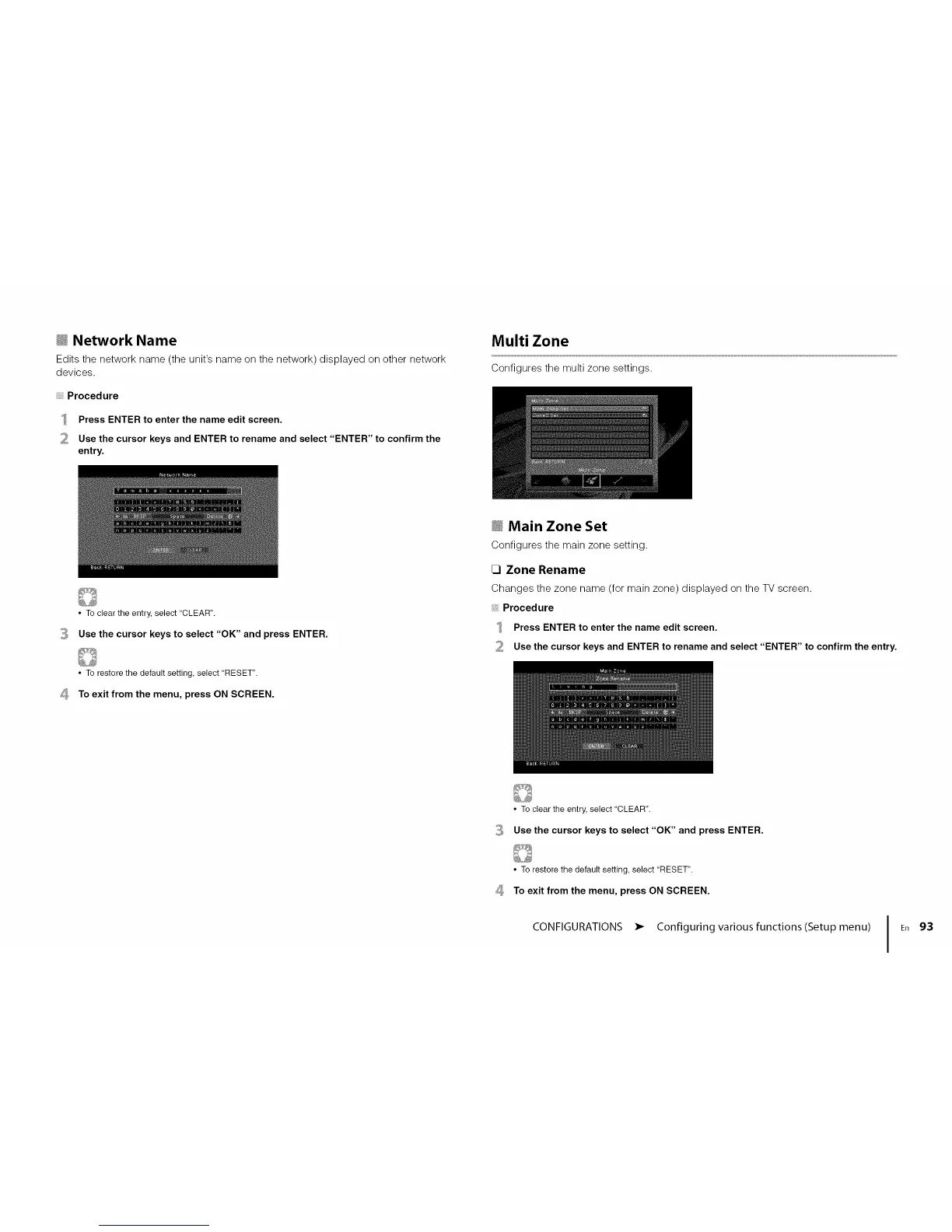
Press ENTER to enter the name edit screen.
Use the cursor keys and ENTER to rename and select "ENTER" to confirm the
entry.
Multi Zone
Configures the multi zone settings.
3
,
• To clear the entry, select "CLEAR".
Use the cursor keys to select "OK" and press ENTER.
• To restore the default setting, select "RESET".
To exit from the menu, press ON SCREEN.
_ Main Zone Set
Configures the main zone setting.
CI Zone Rename
Changes the zone name (for main zone) displayed on the TV screen.
Procedure
Press ENTER to enter the name edit screen.
2 Use the cursor keys and ENTER to rename and select "ENTER" to confirm the entry.
3
,
• To clear the entry, select "CLEAR".
Use the cursor keys to select "OK" and press ENTER.
• To restore the default setting, select "RESET".
To exit from the menu, press ON SCREEN.
CONFIGURATIONS • Configuring various functions(Setup menu)
I En 93




 To Next Page