ON SCREEN
ENTER
Select the desired on-screen menu language from English
(default), Japanese, French, German, Spanish, Russian, Italian and
Chinese.
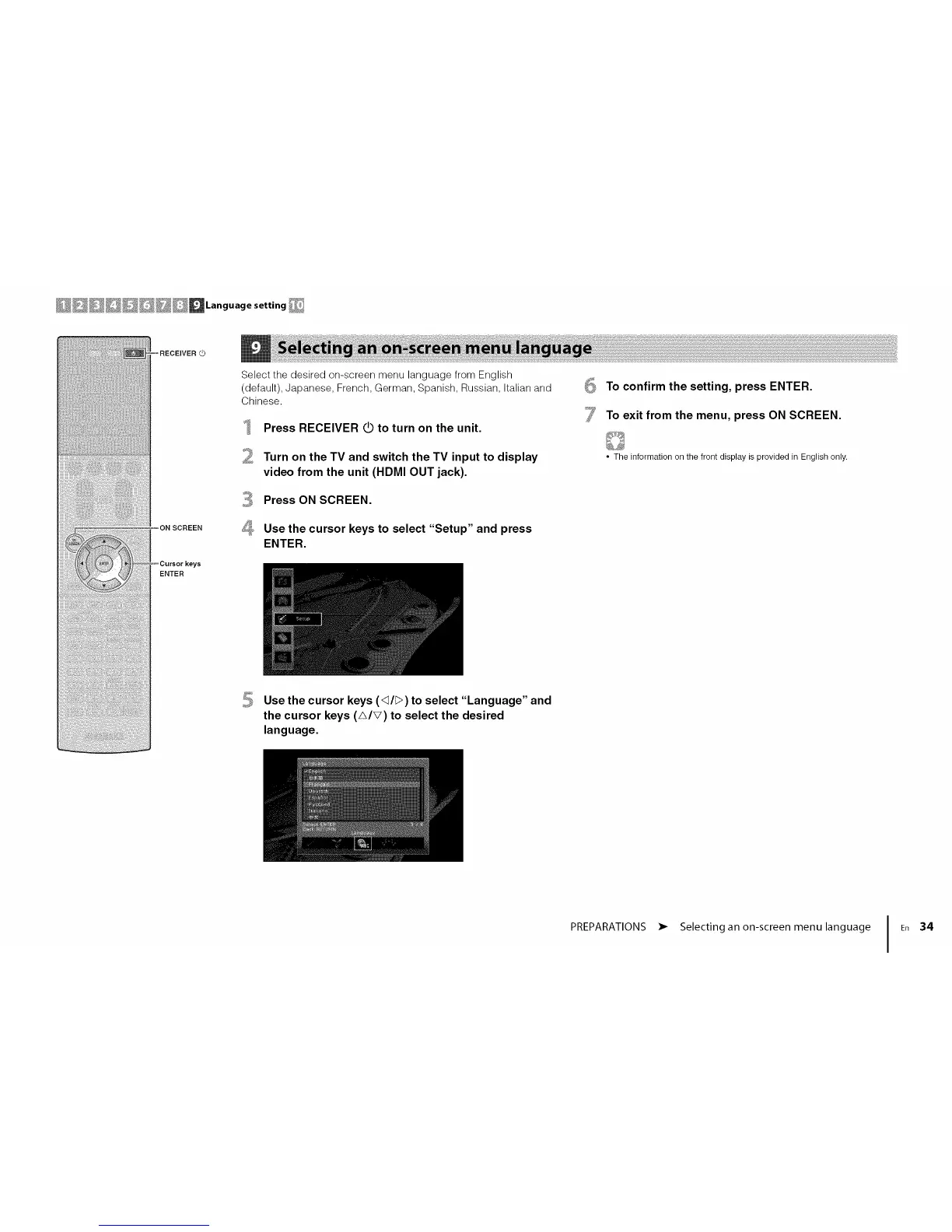
Press RECEIVER @ to turn on the unit.
Turn on the TV and switch the TV inputto display
video from 1he unit (HDMI OUT jack).
Press ON SCREEN.
s_ Use the cursor keys to select "Setup" and press
ENTER.
6 To confirm the setting, press ENTER.
'_; To exit from 1he menu, press ON SCREEN.
• The information on 1he front display is provided in English only.
Use the cursor keys (q/;>) to select "Language" and
the cursor keys (A/V) to select the desired
language.
PREPARATIONS • Selecting an on-screen menu language I Fn 34




 To Next Page