4 - 3
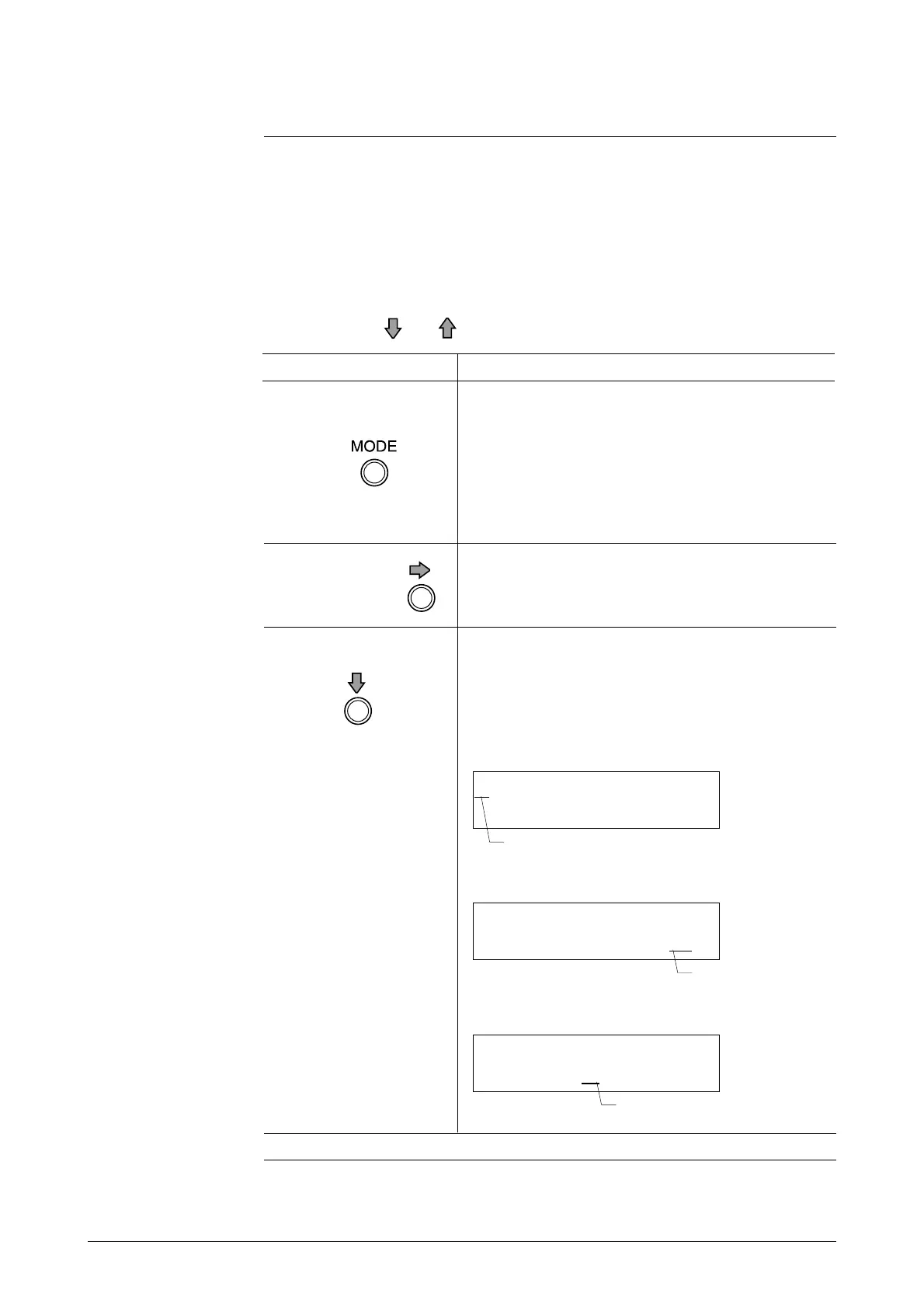
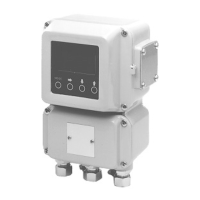
The following is an explanation of the various keys on the data setting device.
• When operating the keys, be sure to close the cover. Only touch the keys
through the glass.
• When operating the keys, touch the glass lightly, targeting the central part
of each key.
Hold down the or key to scroll the characters up to 40 times.
Part names and
explanation
Data Setting Device Continued
Name Explanation
MODE key • Enter the Operator’s Mode.
• After changing the parameters or internal data
in the Engineering Mode or Maintenance
Mode, press this key to write the data into
memory.
• Touch this key for more than one second to
complete the write.
• Change the parameter at the cursor position.
• Display the previous screen.
When the cursor is located at the far left of the
upper row (*, #, >)
Right-shift key • Shift the cursor to the right.
Down key
Changes the
screen.
When the cursor is located at a numerical figure
* DAMPING
0 0 1 . 0 S
Decrements
the numerical
figure.
When the cursor is located at the decimal point
# 1.0000 m
SPAN 07 . 069 m
3
/ h
Moves the
decimal point
to the right.
(Continued on next page)
Cursor
Cursor
Cursor
* OPERATOR'S
MODE



 To Next Page