4 - 43
Setting the Number of Dummy Detectors
Introduction
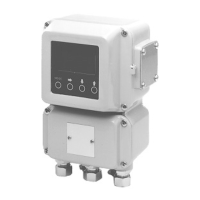
This is used to set the number of dummy detectors installed with the NNK
detector (selected in the detector data setting) (page 4-37).
This screen appears only for underwater electromagnetic flowmeter NNK.
Default setting
0
Setting range
0 - 9
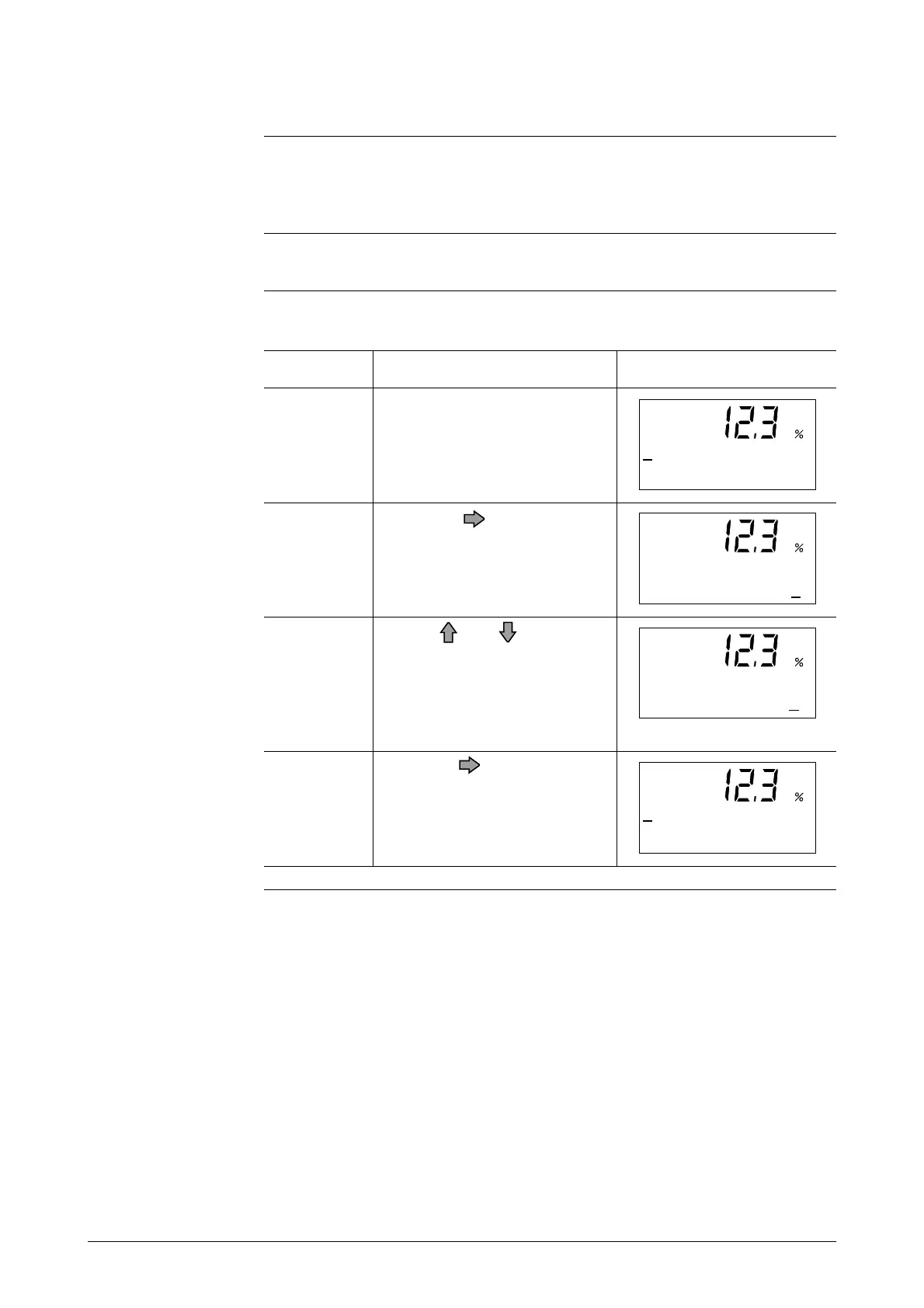
Open the dummy detector setup
screen by following the steps to
enter the Engineering Mode.
Touch the key once.
Use the and keys to input
the number of dummy detec-
tors. In this example, the num-
ber of the dummy detectors has
been changed from 0 to 3.
1
ScreenProcedureStep
Touch the key once to move
the cursor to the "#".
2
3
4
#
DUMMY 0
#
DUMMY 0
#
DUMMY 3
#
DUMMY 3



 To Next Page