4 - 24
Setting the ID
Introduction
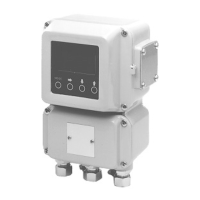
Sets the ID code for the electromagnetic flowmeter.
Default setting
XXXXXXXX
Setting range The ID code can be set using up to 8 alphanumeric characters: letters (A to Z),
numbers to 9), –, /, space, and period.
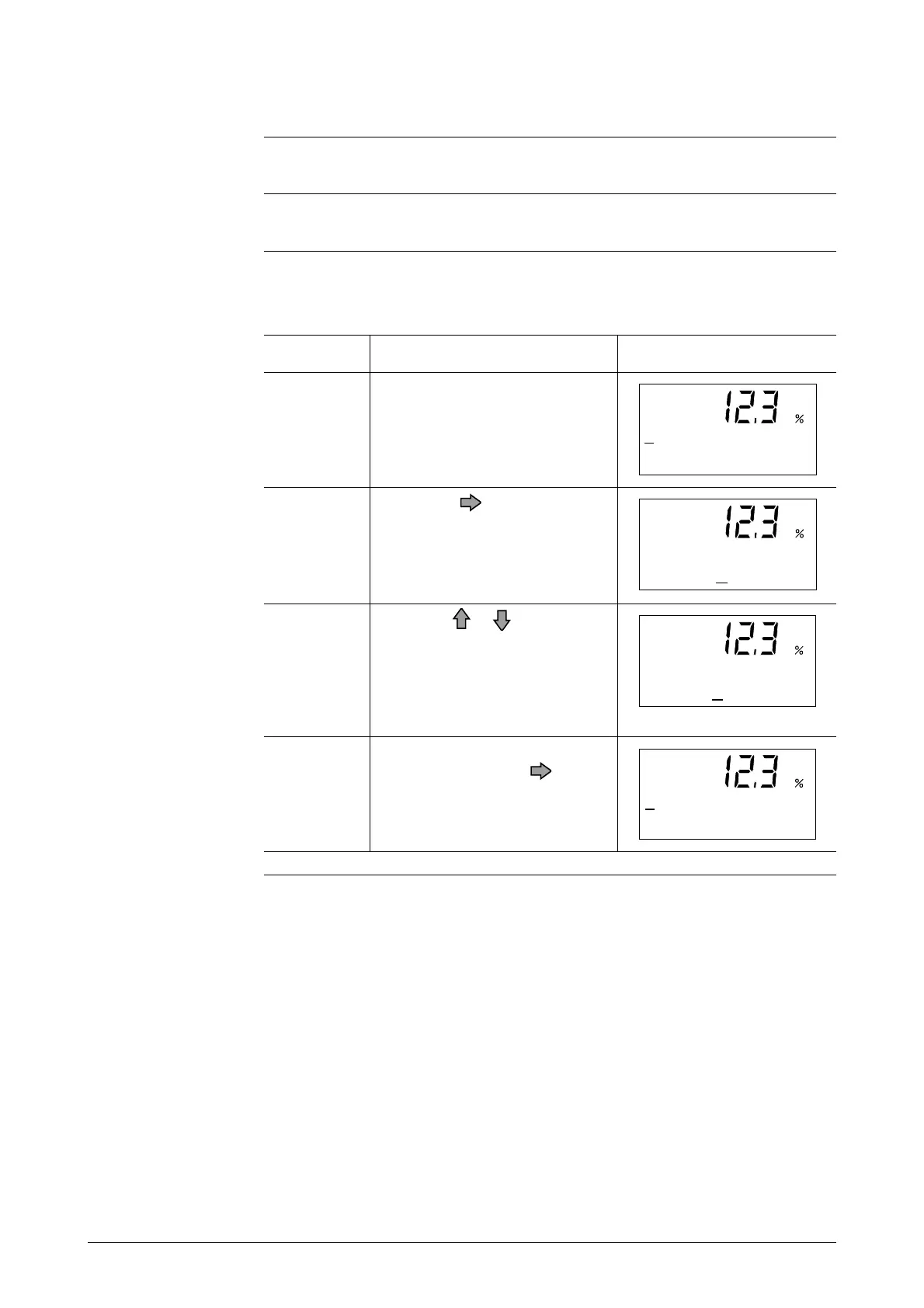
ScreenStep
1
4
3
2
Procedure
Open the ID setup display by
following the steps to enter the
Engineering Mode.
Touch the key to move the
cursor to the characters to be
changed.
Touch the or key to change
the characters to the desired
ones. Use the Right-shift,
Down, and Up keys to set up the
desired code.
When the desired tag No. is
shown, touch the key to
move the cursor to the “*”.
# ID SET
XXXXXXXX
# ID SET
XXXXXXXX
# ID SET
FXXXXXXX
# ID SET
F IC - 0 00 1



 To Next Page