4 - 23
Engineering Mode Continued
Introduction
(continued)
HI-ALM/LO-ALM
Selection of 2-stage low
alarm in function setting
(option).
Sets the 2-stage high limit
alarm
Selection of 2-stage high
limit alarm in function set-
ting (option).
Selection of pulse output
(option).
Determines the analog
output abnormality treat-
ment direction
Sets the contact output sta-
tus
Selection of contact input/
output (option).
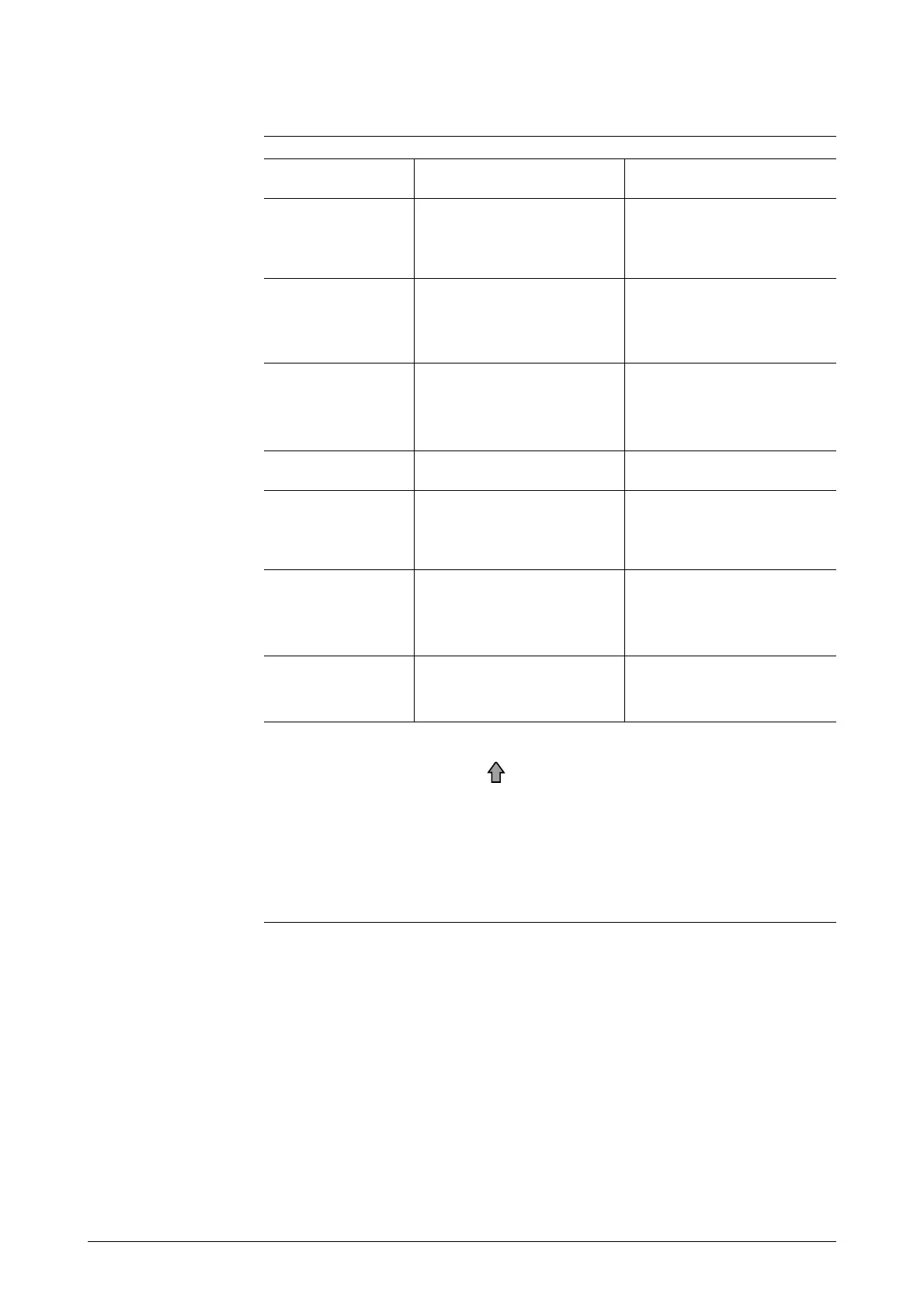
Indicated conditionsDescriptionScreen display
Sets high/low limit alarms
Selection of alarm output
and high/low limit alarms in
function setting (option).
LO-ALM1/LO-ALM2
Sets the 2-stage low limit
alarm
HI-ALM1/HI-ALM2
LOW-FLOW CUT
Sets the low flow cut
ERROR OUT MODE
P.OUT
Determines the pulse out-
put abnormality treatment
direction
ERROR OUT MODE
I.OUT
ST.OUT MODE
Details of the various screens are explained on the following pages. To open
the various screens, press the key after entering Engineering Mode.
Note:
• To write data set in the Engineering Mode to non-volatile memory,
press the MODE key. When changing data, be sure to press the
MODE key.



 To Next Page