4 - 42
Detector Data Setup Continued
Default setting
(continued)
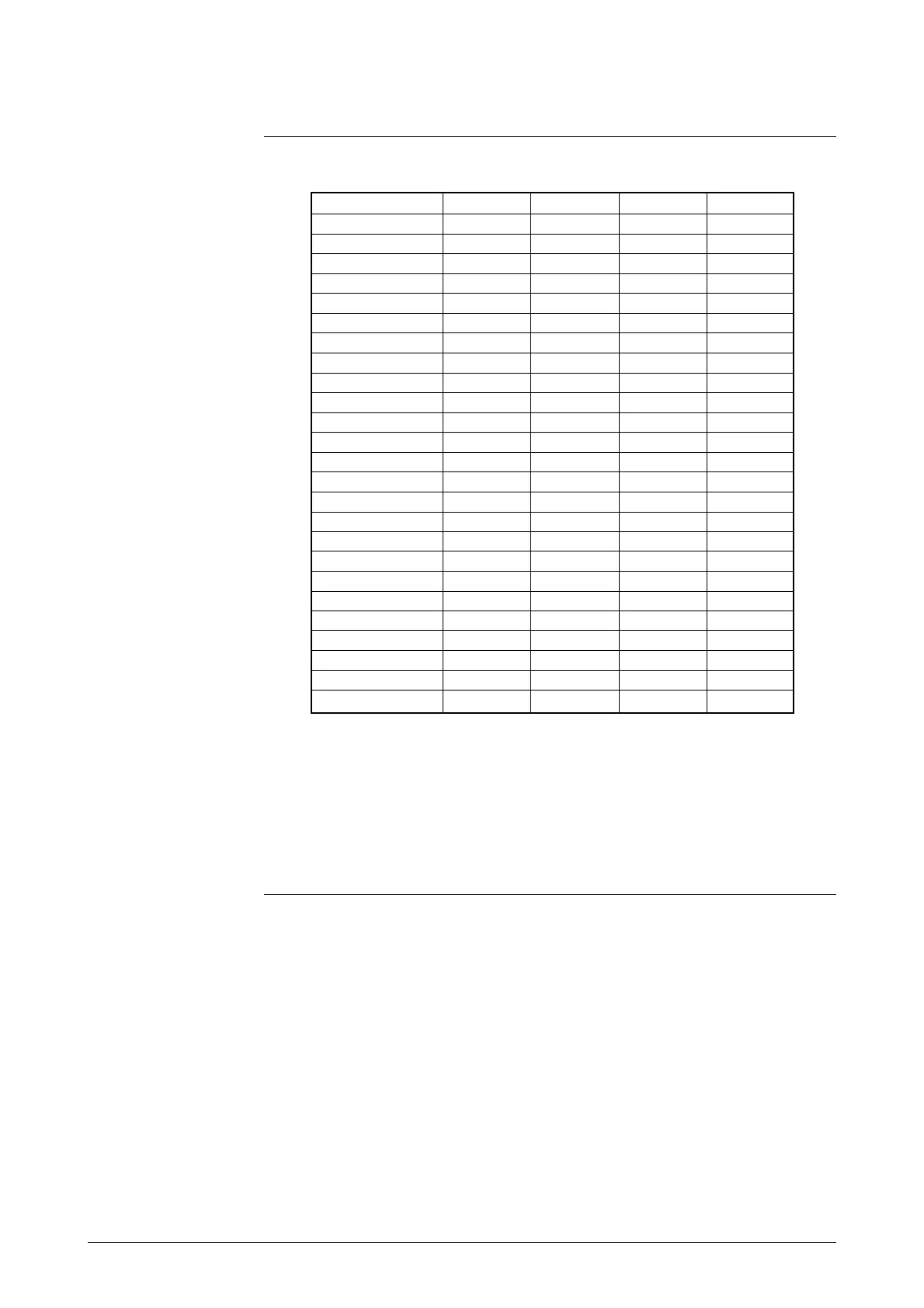
Table 4-1 Converter and detector combinations
MGG KID NNM NNK
2.5 O O
5.0 O O
10.0 O O
15.0 O O
25.0 O O O
40.0 O O O
50.0 O O O O
65.0 O
80.0 O O O
100.0 O O O O
125.0 O
150.0 O O O
200.0 O O O O
250.0 O O O
300.0 O O O
350.0 O O O
400.0 O O O O
450.0 O
500.0 O O O
600.0 O O O O
700.0 O O
800.0 O
900.0 O O
1000.0 O
1100.0 O
Diameter /
Detector model No.
O: Can be used
Note:
• The method for setting the excitation current value (EX value) de-
pends on the detector model number. For models MGG and KID,
input the value indicated on the nameplate into the converter. For
models NNM and NNK, contact Yamatake Corporation sales per-
sonnel when you need to change the setting. Missetting will cause
errors and equipment damage.



 To Next Page