4 - 26
Selecting Functions Continued
Introduction
(continued)
Four touches of the key in
Step 1 enables the selection of
the contact output function.
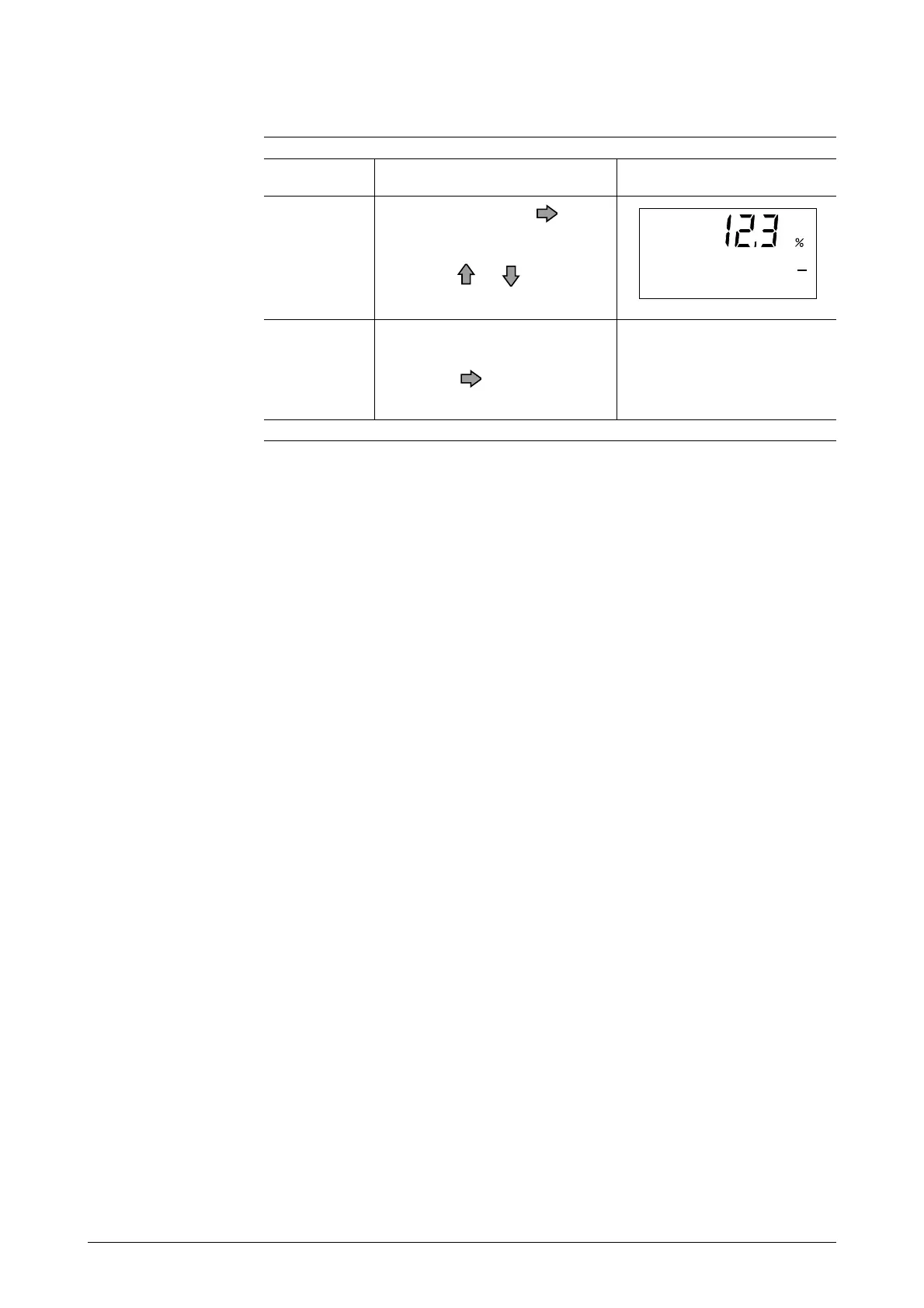
Touch the or key to select
the desired function.
ScreenProcedureStep
6
When completing the settings
of the respective functions,
touch the key to move the
cursor to the “#”.
7
# FUNC SET F0A14
ERROR DIAG ALM



 To Next Page