OPERATION
ZEISS TFT display touchscreen on the Axio Observer 7, 7 materials Axio Observer
126 431004-7244-001 12/2016
5.11.5.9 Contrast
This tab will not be displayed if there is
no motorized reflector turret installed.
The active reflector module will only be
displayed on the status page (
Fig. 96).
Depending on the reflector modules configured,
up to six controls for reflector positions 1 to 6 will
be displayed.
• To swivel in the desired reflector module, press
the relevant button.
• To switch back or forth press the or
button.
5.11.6 Microscope -> Automatic
5.11.6.1 Soft keys
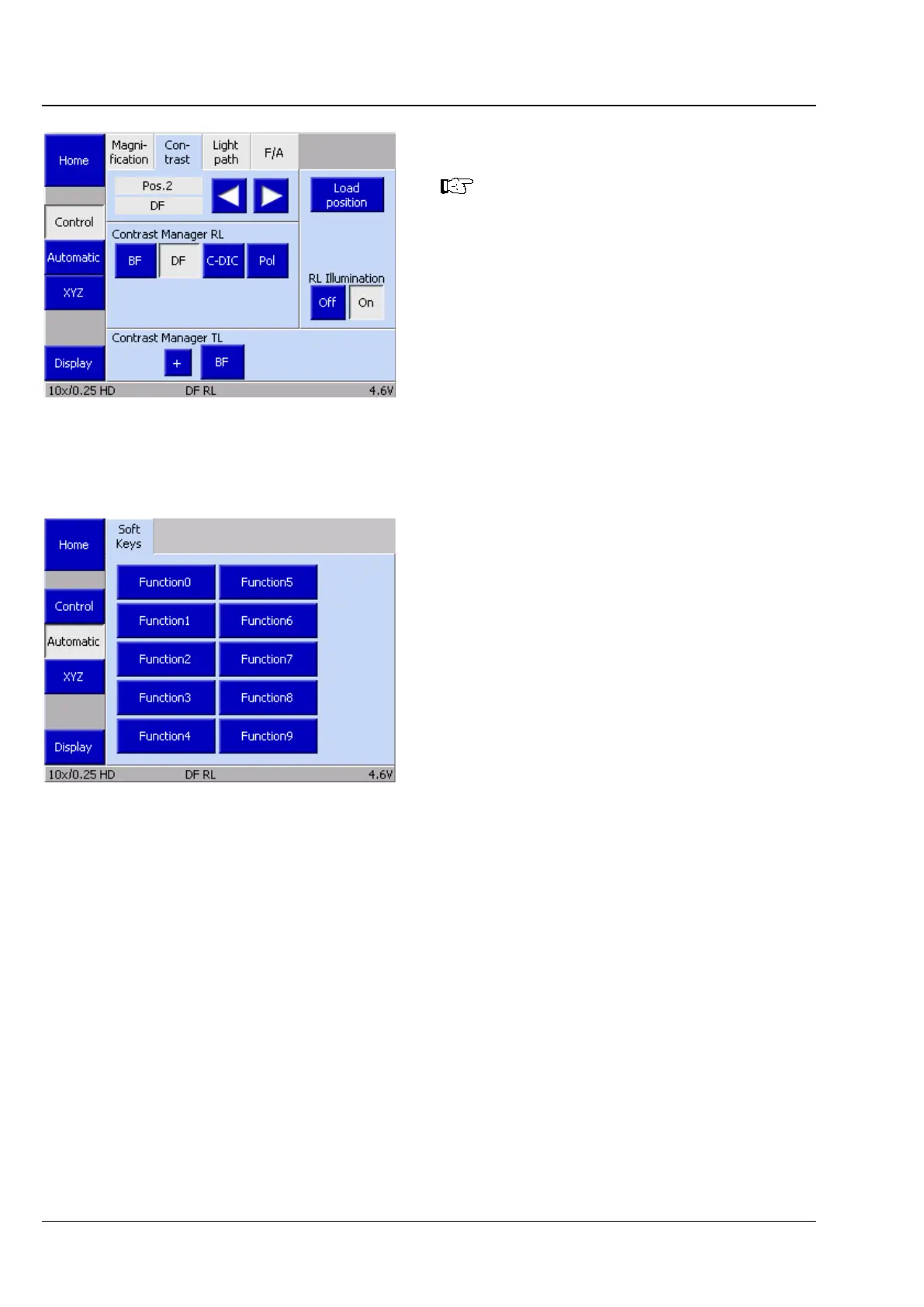
This tab is used to access hardware which have
been previously generated, named and made
available using the AxioVision software program.
These scripts are activated by touching the relevant
button on the TFT screen.
Fig. 110 Microscope -> Control -> Contrast
page
Fig. 111 Microscope -> Automatic ->
Soft keys page









 To Next Page