INSTALLATION INSTRUCTIONS AND FIRST-TIME SET-UP
Axio Observer Fitting the microscope stages ZEISS
12/2016 431004-7244-001 45
4.9.2 Fitting scanning stages
• Scanning stages are fitted in the same way as the mechanical stage. All stands and stages are supplied
with appropriate spacer disks for use of recessed mounting frames.
• Scanning stage 130x100 STEP must be connected to the separate stage controller XY STEP SMC 2009
using a cable.
• Scanning stage 130x100 PIEZO must be connected to the stage controller XY PIEZO WSB CAN using a
cable (in accordance with the supplied manufacturer’s operating manual).
Scanning stage 130x100 STEP is not compatible with “Mounting frame K; low profile”
(432334-9001-000).
Risk of collision!
Remove the front handle prior to using the microscope stand with a scanning stage.
Because of the extensive travel range of scanning stage 130x100, the stage frame may collide
with the objectives at the end of the stage travel.
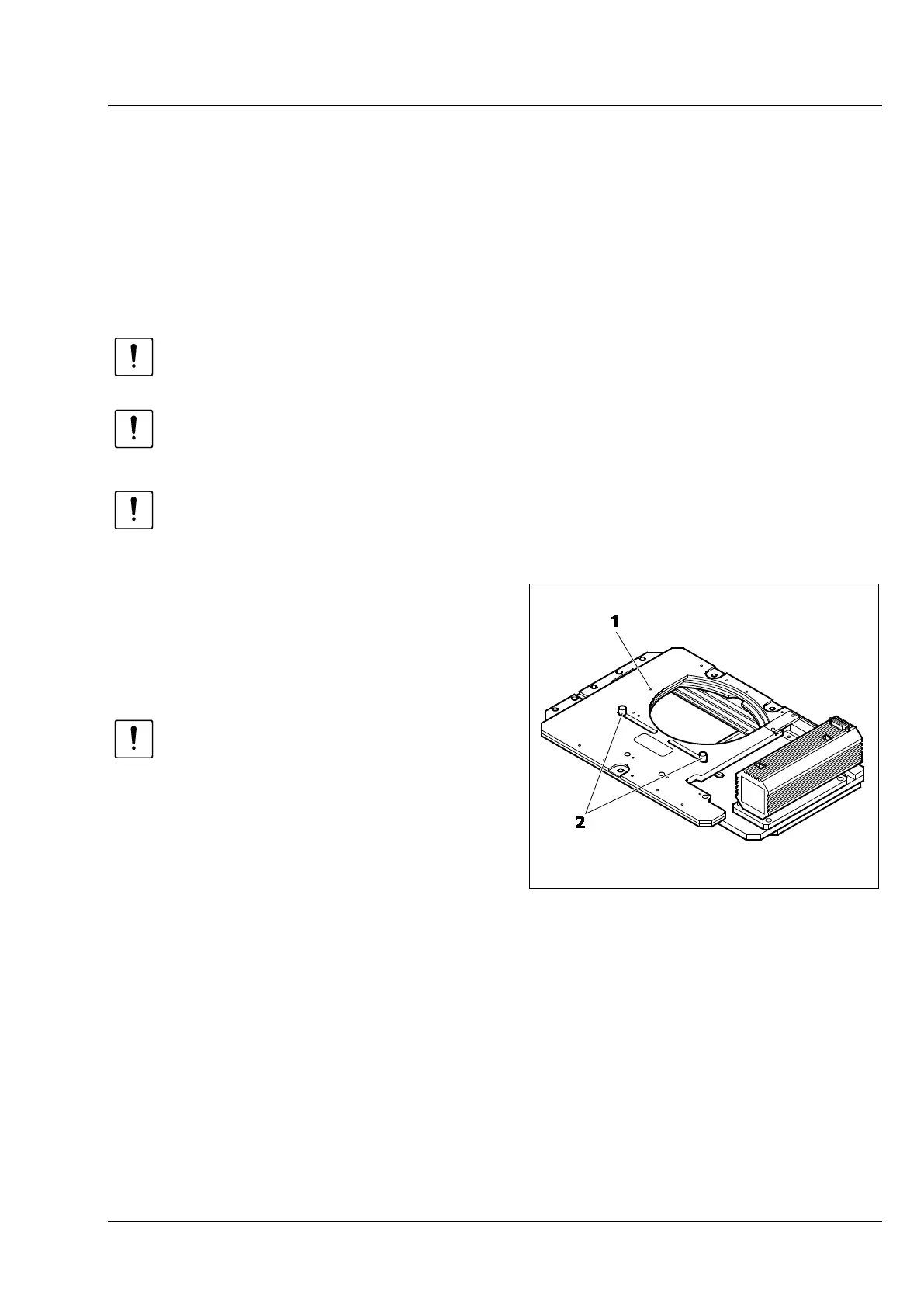
Supplementary information for fitting and
using scanning stage 130x85 mot. P, CAN:
• After mounting the stage on the stand, the
transport securing pin (Fig. 23/1) at the bottom
of the stage must be unscrewed.
The transport securing pin must
always be screwed back when
transporting the stage.
The scanning stage travel ranges in X and Y
direction can be limited if required as follows:
X direction:
• To adjust the right-hand or left-hand
mechanical stop in X direction, loosen the
relevant stop screw (Fig. 23/2) at the bottom of
the stage, move the stop as required and then
retighten the screw.
Fig. 23 Scanning stage 130x85 mot. P, CAN,
bottom side









 To Next Page