OPERATION
Axio Observer TFT display touchscreen on the Axio Observer 7, 7 materials ZEISS
12/2016 431004-7244-001 129
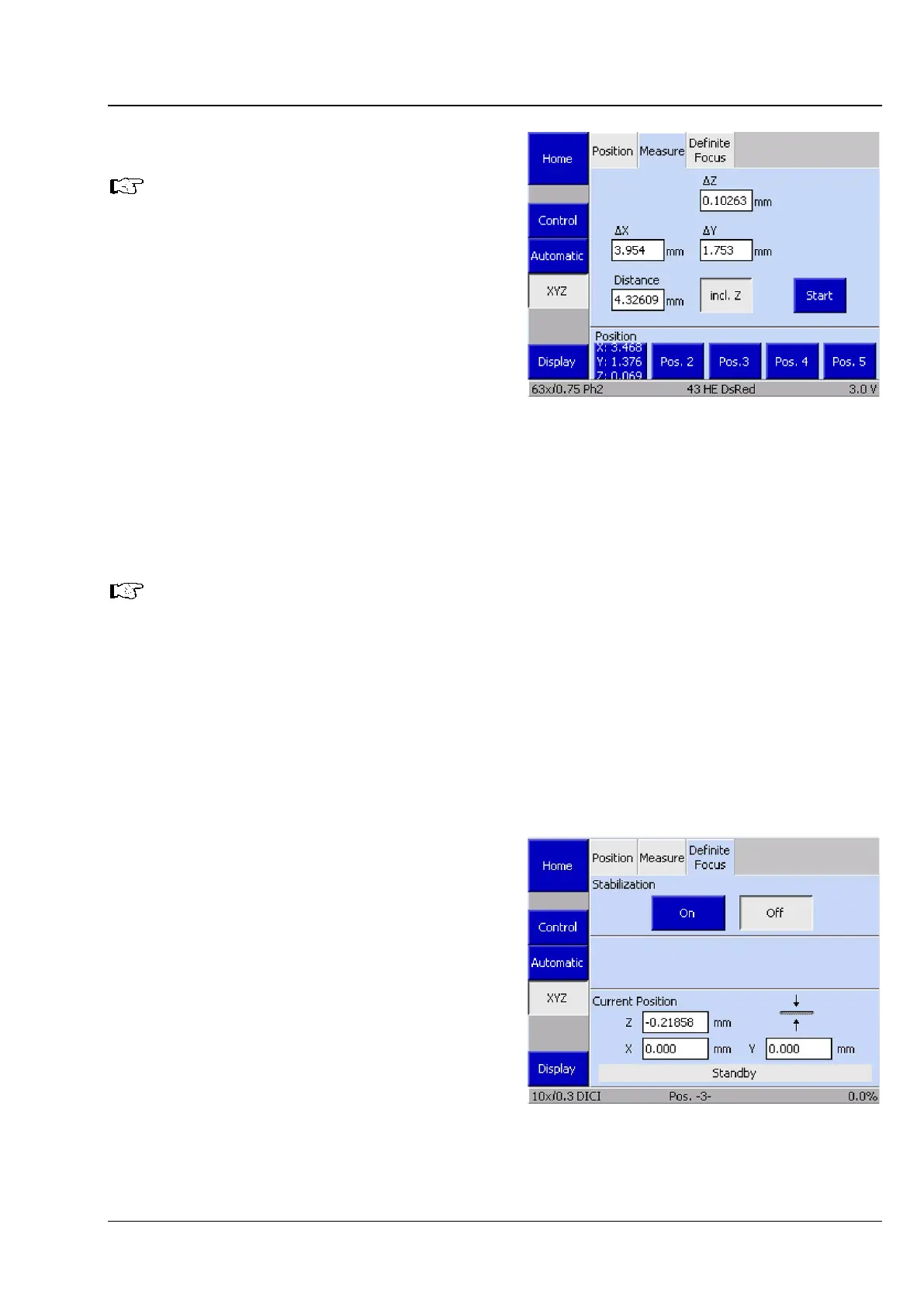
5.11.7.2 Measure
This tab is only accessible if a
motorized (CAN bus) stage is used.
Otherwise, the Start
display for the Z-distance ∆
displayed on the Position tab.
The Measure tab can be used to perform simple
distance measurements in millimeters (mm). Three
options are available for these measurements:
− Distance between two manually set positions
− Distance between a manually set position and a
defined position
− Distance between two defined positions
If the Z distance shall be measured, activate the incl. Z button.
• Move the stage to the initial position.
• Press the Start button. On doing so, the display fields ∆X, ∆Y and ∆Z will be set to zero.
All stage movements are displayed in the ∆X, ∆Y and ∆Z fields.
The function of the position buttons is described under (1) Position above.
5.11.7.3 Definite Focus
The Definite Focus tab can be used to switch on
or off the focus stabilization of the Definite Focus
function using the On and Off buttons in the
Stabilization field.
The Current position field displays the current
coordinates.
Fig. 114 Microscope -> XYZ -> Measure page
Fig. 115 Microscope -> XYZ -> Definite Focus









 To Next Page