OPERATION
ZEISS TFT display touchscreen on the Axio Observer 7, 7 materials Axio Observer
140 431004-7244-001 12/2016
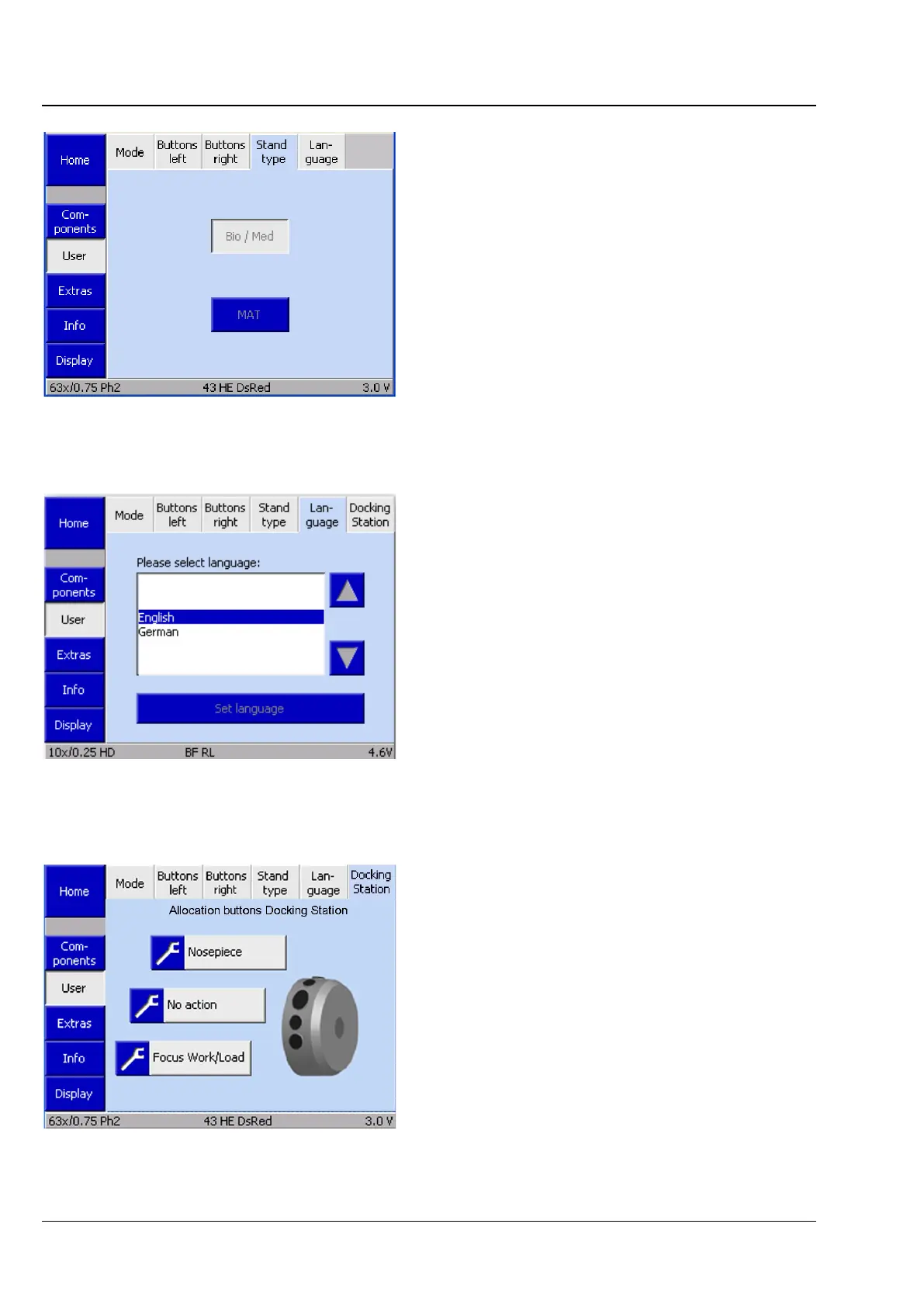
(4) Stand type
This tab is used to select whether the
Axio Observer should be configured as a Bio / Med
microscope or a materials microscope
(MAT/materials). Changes to the basic settings will
take effect after the microscope has restarted
automatically.
(5) Language
This tab can be used to select the TFT display
language. At present, the available languages are
English and German. Changes to this setting will
take effect once the microscope has restarted
automatically.
(6) Docking Station
If a docking station is used, this can be configured
in the same way as the button configuration of the
control ring see the description in the previous
section (2) Buttons left.
Fig. 138 Settings -> User -> Stand type page
Fig. 139 Settings -> User -> Language page
Fig. 140 Settings -> User -> Docking Station









 To Next Page