ZOOMING
■ Press the ZOOM button on the remote control to enlarge and pan through the video
image using the following options: “Q1”, “Q2”, “Q3”, and “OFF”.
MULTI-LANGUAGE DISCS (DVD ONLY)
Changing audio language
■ If you are watching a disc recorded in multiple languages, press the AUDIO button on
the remote control to choose a language. You can also touch the area E, and then touch
the button.
■ NOTE: During VCD playback, press the AUDIO button on the remote control to choose
between left channel, right channel, and stereo.
Changing subtitle language
■ If you are watching a disc recorded in multiple languages with subtitles, press the
SUBTITLE button on the remote control to choose the language in which you would like
the subtitles to appear. You also can touch the area E, and then touch the
button.
PLAYBACK INFORMATION
■ During DVD and VCD playback, press the INFO button on the remote control or touch
the area B to display playback information on the screen, including the media playing
and current playback time.
DVD playback information
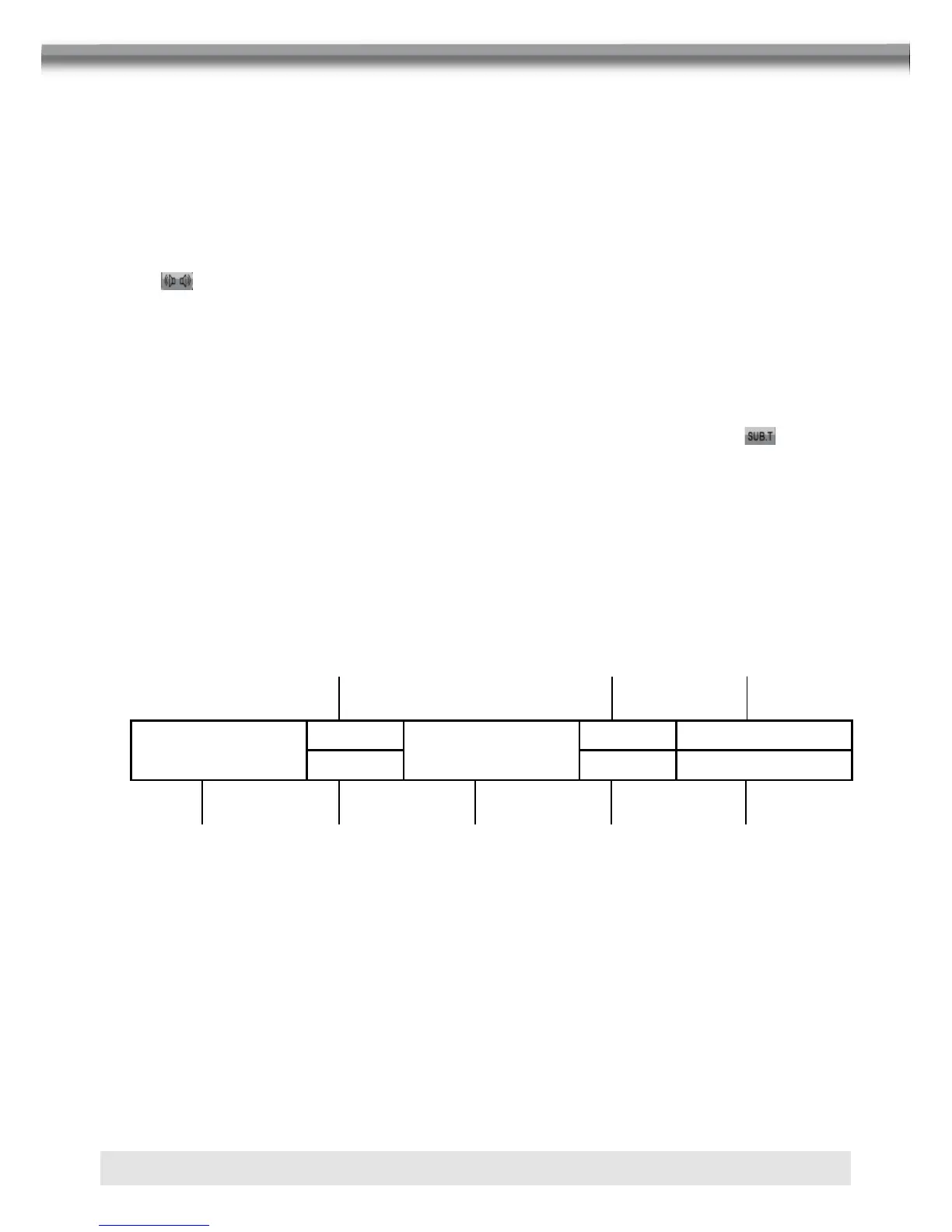
■ The following information is displayed at the top of the screen during DVD playback:
DVD VIDEO
T:4/16
00:01:35
USER 08:06
C:1/20 LEVEL 2 Rear: OFF
1. Indicates current playing source.
2. Indicates the forth of 16 titles on the DVD is currently playing.
3. Indicates the first of 20 chapter on the DVD is currently playing.
4. Indicates the playback time of the current title.
5. Indicates user defined equalizer mode.
6. Indicates the loud setting.
7. Indicates the current system time.
8. Indicates the current playback source of the rear zone.
1
2
3 4 6 8
5 7



 To Next Page