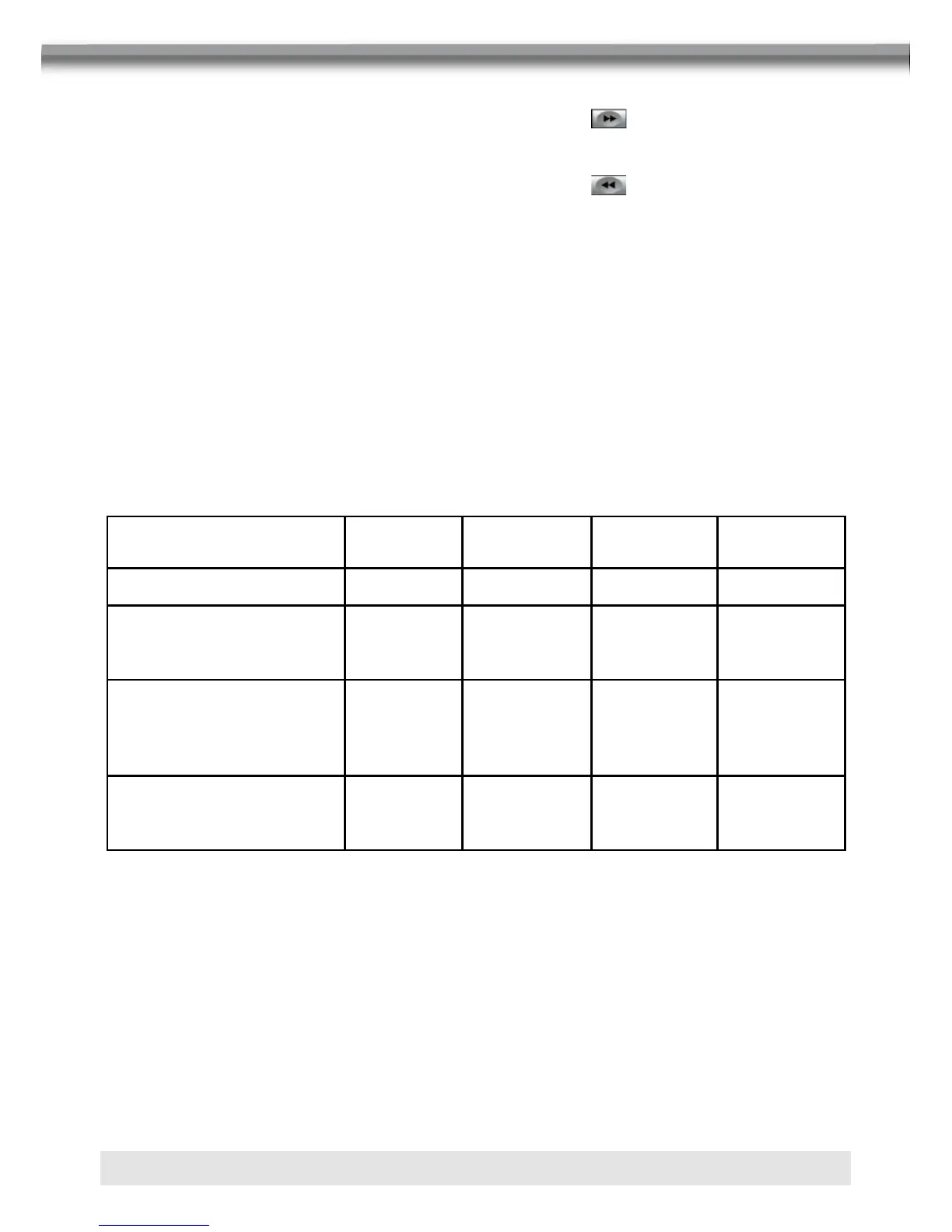
Speaker
Setup
Front
Speaker
Rear
Speaker
Center
Speaker
Sub-
woofer
2CH mode
* * *
Play 2CH audio in
6CH mode with
surround ”off”
*
Play 2-channel
(downmix) audio in 6-
channel mode
with surround ”on”
* * * *
Play 2-channel
audio in 6-channel mode
with surround ”on”
* * * *
FAST FORWARD/FAST REVERSE
■ Press the [8] button on the remote control or touch the button of the area E on the
screen to fast forward. Keep pressing or touching and releasing the button to increase
the rate from “2X” to “4X”, “8X”, and “20X”.
■ Press the [7] button on the remote control or touch the button of the area E on the
screen to fast reverse. Keep pressing or touching and releasing the button to increase
the rate from “2X” to “4X”, “8X”, and “20X”.
SELECTING 2-CHANNEL AND 6-CHANNEL AUDIO PLAYBACK
2-Channel audio (down mix) support for CD, SD Card and DVD
■ Linear pulse code modulation (LPCM) and pulse code modulation (PCM) support is
available for CD and DVD discs when 2-channel audio is selected.
5.1-Channel audio support for CD, SD Card and DVD
■ This is intended for down mixed sources.
NOTE:
2-Channel audio support is available for AM / FM tuner and auxiliary input only.



 To Next Page