PREPARATION
Please read all the instructions before beginning the installation. We recommend having
your ZE-MC290 installed by a skilled dealer or a professional installer.
FEATURES
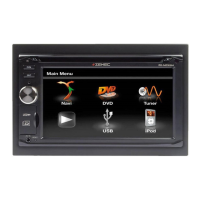
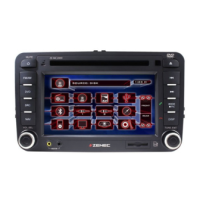
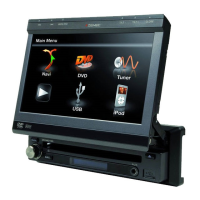
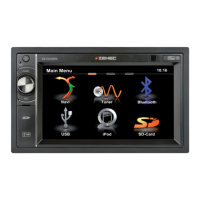
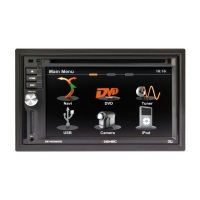
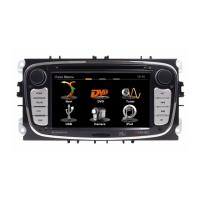
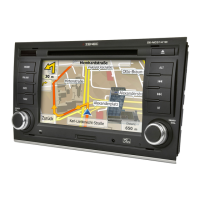
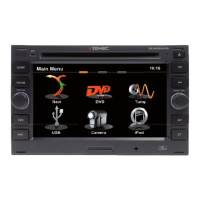
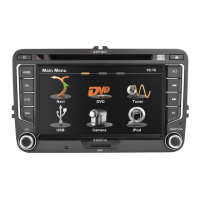
■ Double DIN size, all-in-one entertainment system
■ Built-in DVD player, car specification slot-in mechanism
■ Built-in ISS FM/AM Tuner, RDS reception function
■ High resolution 6.5"(16:9) TFT color monitor, contrast and brightness adjustment; with
LCD dot matrix display
■ Built-in 50W x 5 output amplifier, 5.1 channel sound output
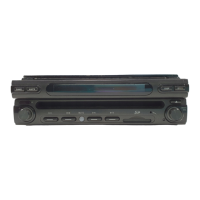
■ Turn out and slot-in panel structure
■ Dual zones playing function with easy operation method
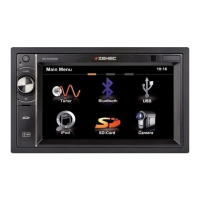
■ Smart touch screen operation
■ All functions remote control operated
■ Rear zone remote control operation
■ Special smart dial remote control operation
■ Buttons and encoder operation
■ Standby mode
■ Multi-purpose and selectable source playback, can be connected to the
following sources: iPod/navigation/SD card/CD
■ Powerful graphic UI and software update ability
Operating environment
Operating Temperature: –20ºC~ +70ºC
Operating Humidity : 45%~80%RH
Pressure : 860mbar~1060mbar
TOOLS AND SUPPLIES
You will need these tools and supplies to install the unit
■ Torx type, flat-head and Philips screwdrivers
■ Wire cutters and strippers
■ Tools to remove existing radio (screwdriver, socket wrench set or other tools)
■ Electrical tape
■ Crimping tool
■ Volt meter/test light
■ Crimp connections
■ 18 gauge wire for power connections
■ 16 – 18 gauge speaker wire
WARNING!
1. Only connect the unit to a 12-volt power supply with proper grounding.
2. Never install this unit where operation and viewing could interfere with safe driving
conditions.
3. To reduce the risk of a traffic accident (except when using the rear view video camera)
never use the video display function while driving the vehicle. This is a violation of law.
4. Never disassemble or adjust the unit without the assistance of a professional installer.
For further details, please consult your ZENEC dealer.
5. To prevent injury from shock or fire, never expose this unit to moisture or water.


 To Next Page